Guías para llevar un negocio en WhatsApp.
Notas prácticas sobre la API de WhatsApp Business, las respuestas con IA y cómo convertir conversaciones en ventas.
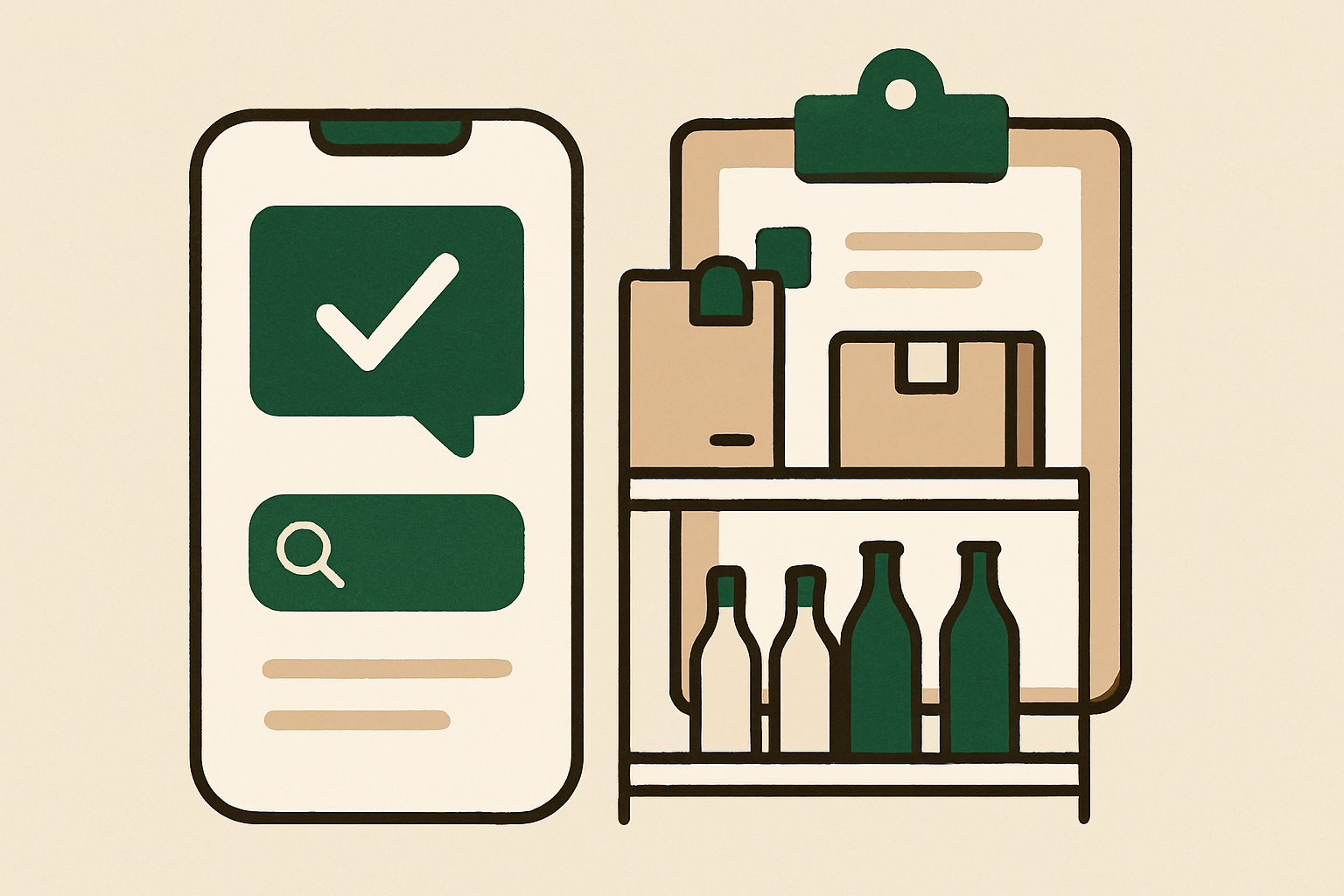
¿Puede whacl comprobar si un producto está disponible actualmente?
whacl puede responder a partir del catálogo y de la información de stock que le proporciones, pero no puede saber qué hay en tus estanterías a menos que esa información se mantenga actualizada. Esta es la diferencia entre responder basándose en tu catálogo y consultar el inventario en tiempo real en WhatsApp, Instagram y Messenger.
AI 26 articles
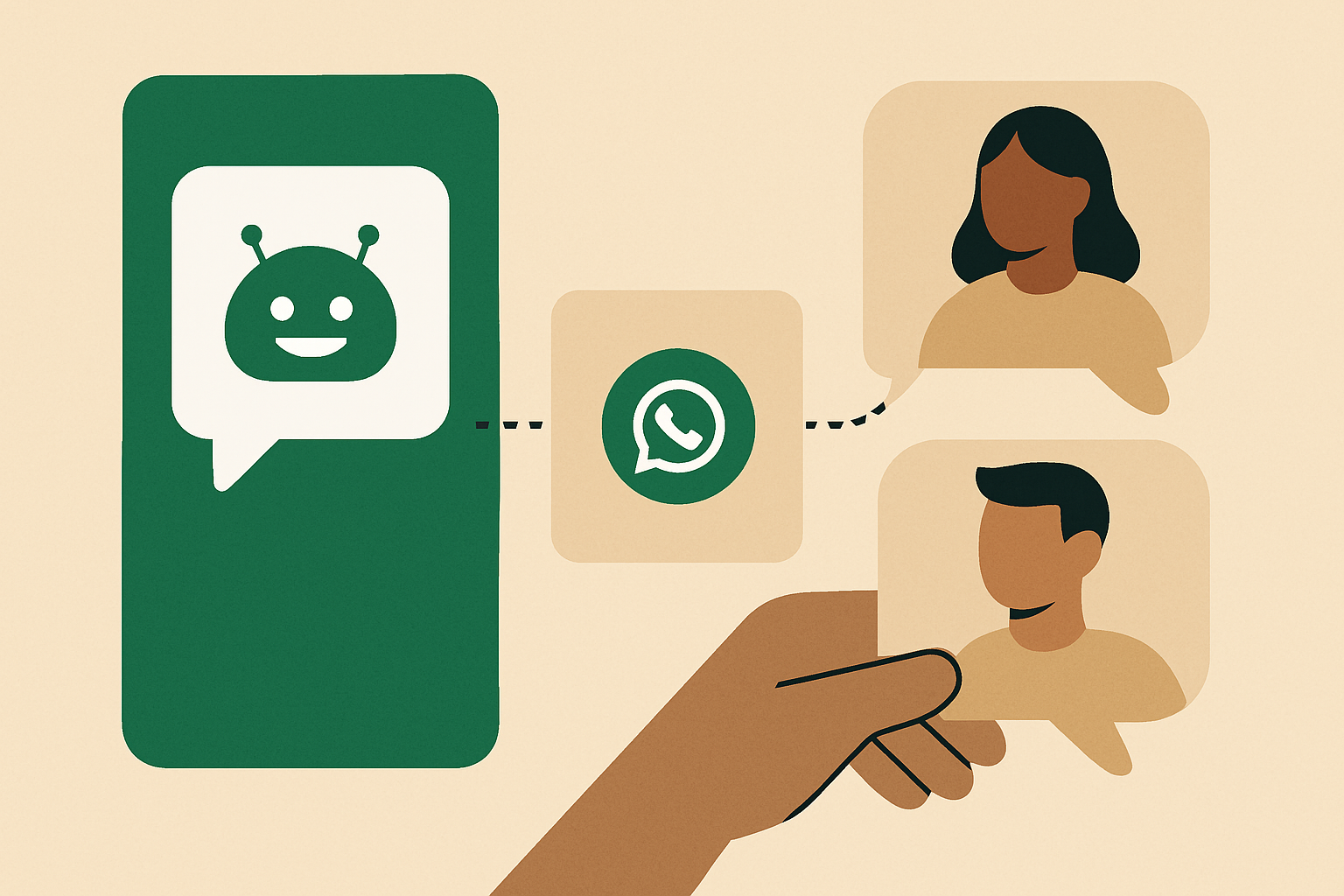
¿Puedo hacer que mi asistente de IA de WhatsApp responda solo a las consultas de clientes nuevos?
Sí: whacl puede responder a las consultas nuevas y dejar sin tocar las conversaciones que ya se hayan derivado a tu equipo. Así puedes combinar respuestas automáticas, derivaciones a personas y el modo de revisión en WhatsApp, Instagram y Messenger.
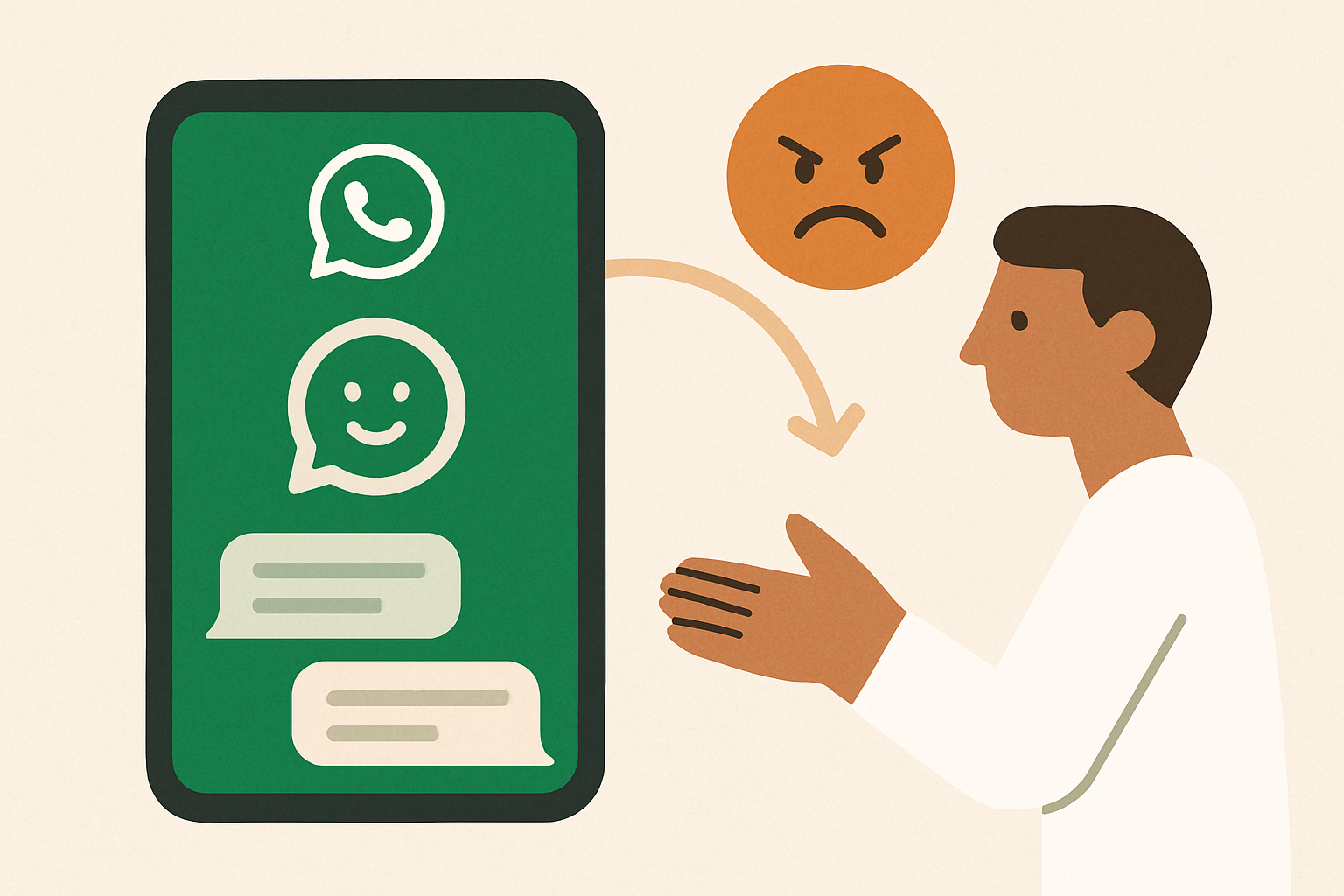
¿Puede un asistente de IA para WhatsApp detectar cuándo un cliente está enfadado y pasar la conversación a una persona?
Sí, si el asistente está configurado para reconocer una escalada, no solo palabras clave. Así es como whacl puede detectar a un cliente insatisfecho, dejar de enviar respuestas automáticas y pasarle a tu equipo la conversación completa antes de que un pequeño problema se convierta en una queja pública.
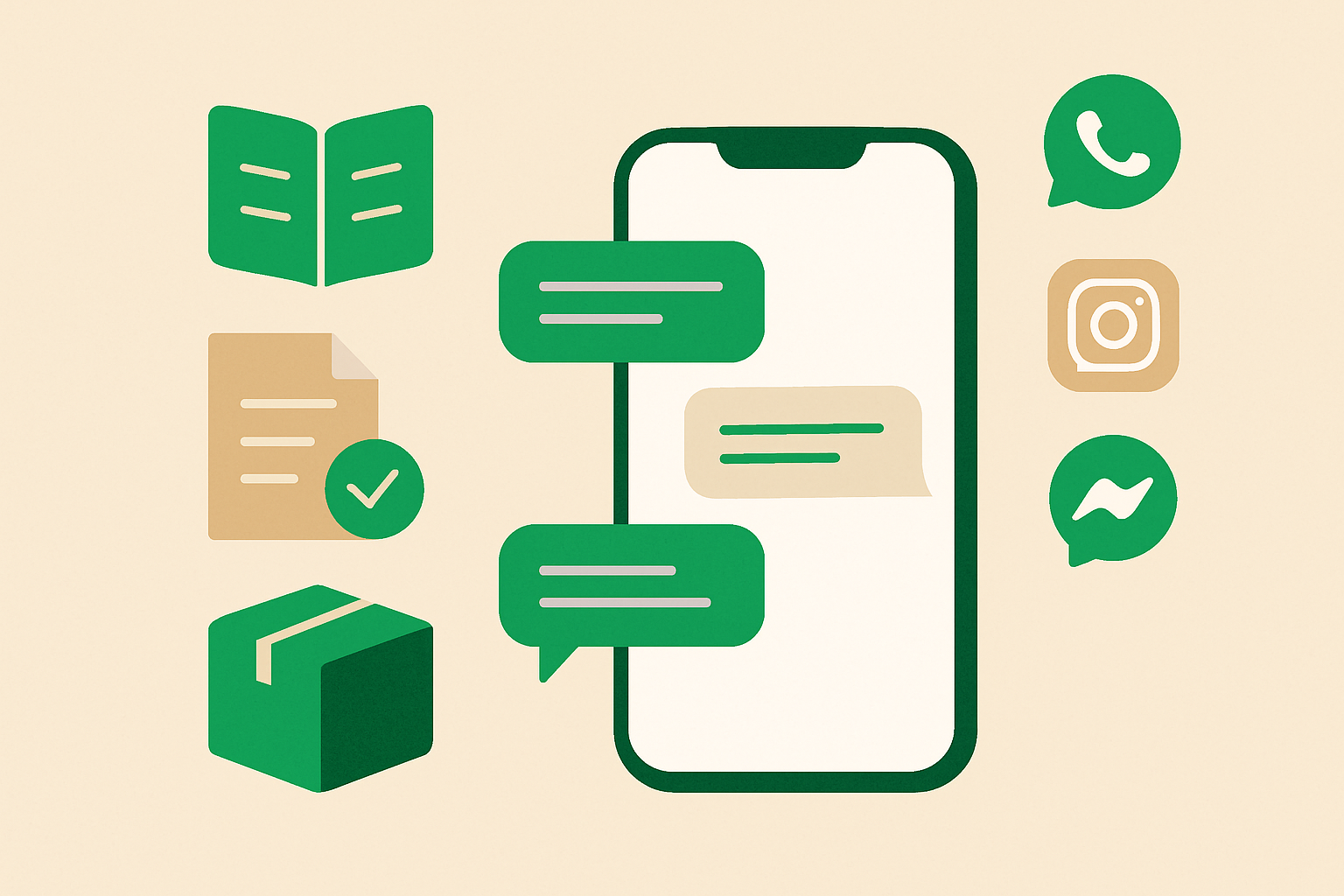
¿Puede whacl responder a los clientes de forma conversacional utilizando la información de mi negocio?
Sí: whacl puede utilizar tu catálogo, tus políticas y el historial de conversaciones para responder de forma natural, en lugar de enviar un menú de respuestas prediseñadas. Tú decides si las respuestas deben revisarse antes, y la misma configuración funciona en WhatsApp, Instagram y Messenger.
Cómo probar tu asistente de IA de WhatsApp antes de que responda a clientes reales
La forma más segura de lanzar un asistente de IA es dejar que falle primero en una prueba privada. Así puedes revisar sus respuestas, derivaciones a agentes humanos, selección de modelo y costos por respuesta en whacl antes de que cualquier cliente vea algo.
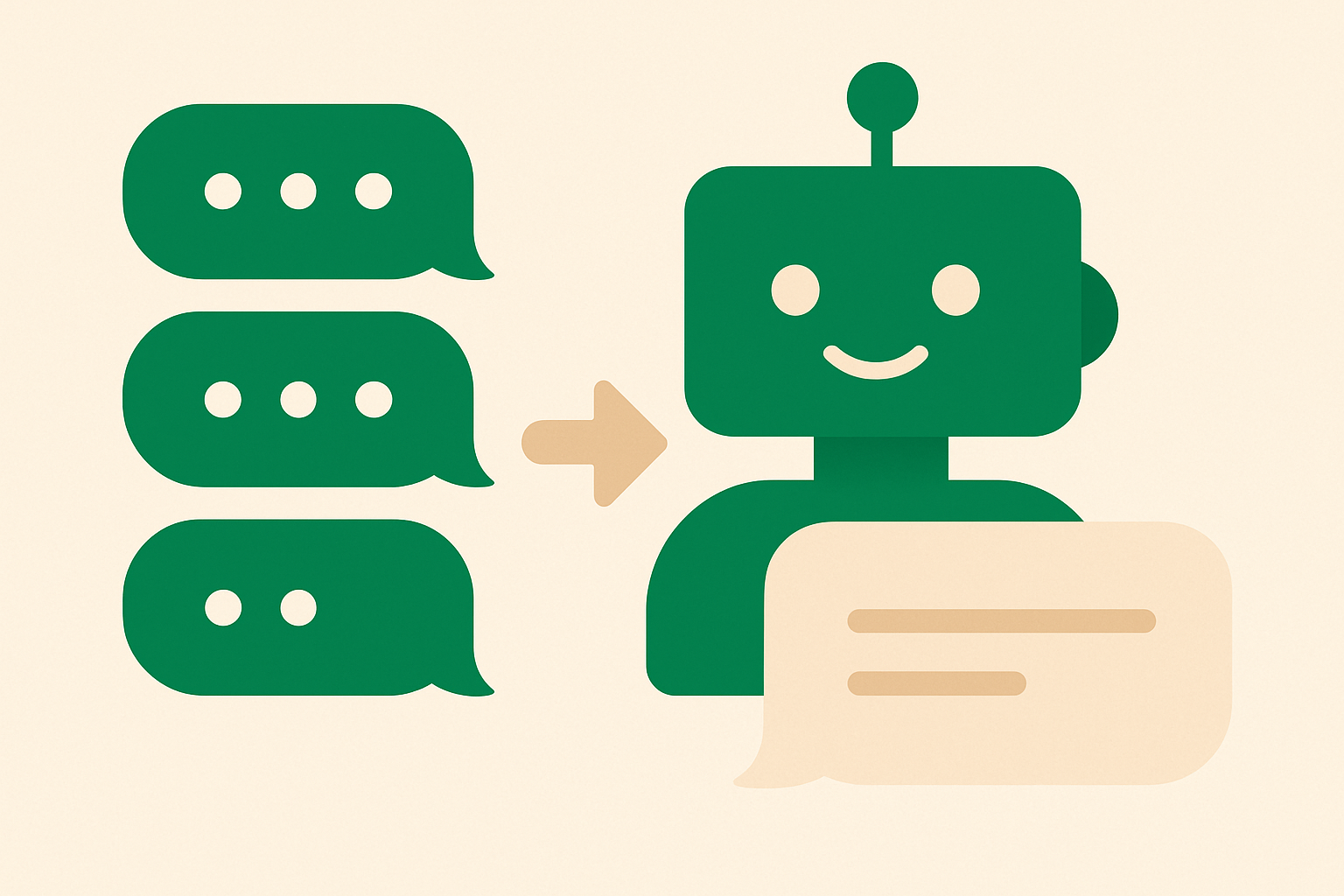
¿Puede whacl combinar varios mensajes de WhatsApp en una sola respuesta de IA?
Sí. whacl puede esperar brevemente cuando un cliente envía varios mensajes seguidos por WhatsApp, combinarlos en una sola solicitud y responder a la pregunta completa en lugar de contestar cada burbuja por separado.
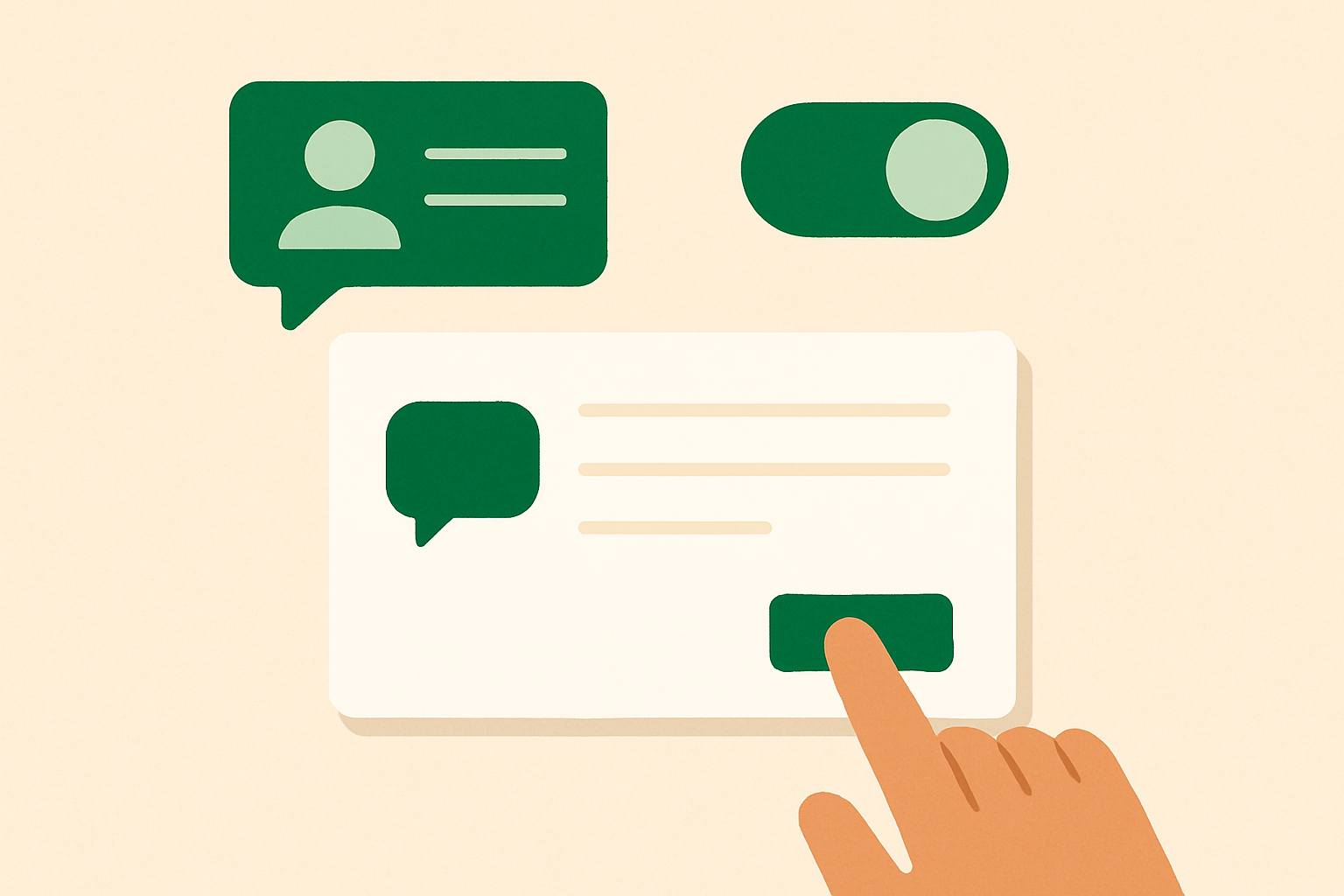
¿Puedo revisar y editar la respuesta de whacl al cliente antes de que se envíe?
Sí. whacl puede dejar en espera una respuesta generada por IA para que tu equipo la revise, edite y apruebe antes de que llegue al cliente. También puedes usar el envío automático para preguntas predecibles y cambiar entre ambos modos desde tu bandeja de entrada compartida de WhatsApp, Instagram y Messenger.
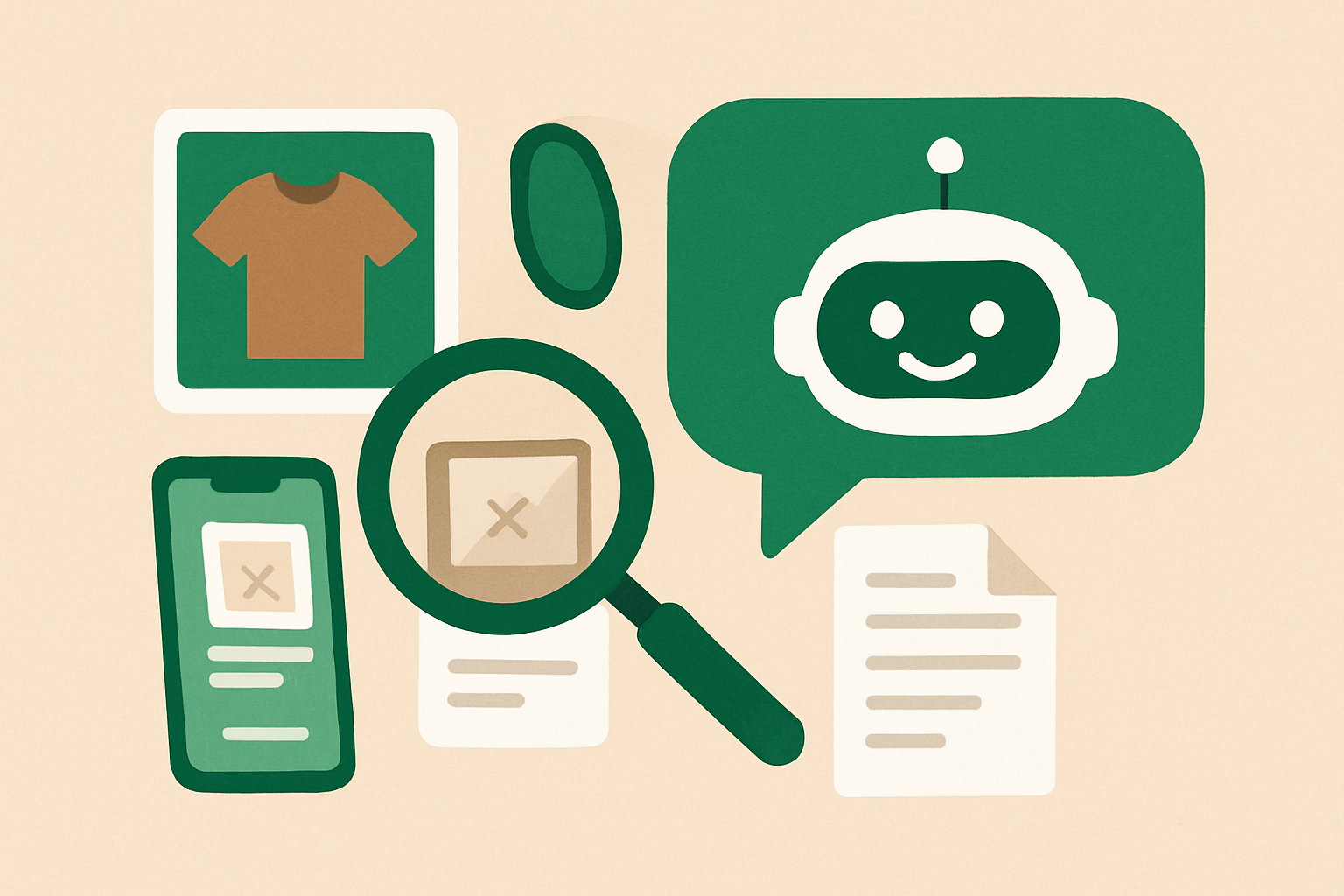
¿Puede un asistente de IA para WhatsApp entender fotos, capturas de pantalla o PDF?
Los clientes no siempre escriben la información que tu equipo necesita. En su lugar, envían una foto de un producto, una captura de pantalla de un error o una factura en PDF. Esto es lo que whacl puede hacer con esos archivos y en qué casos todavía debe intervenir una persona.
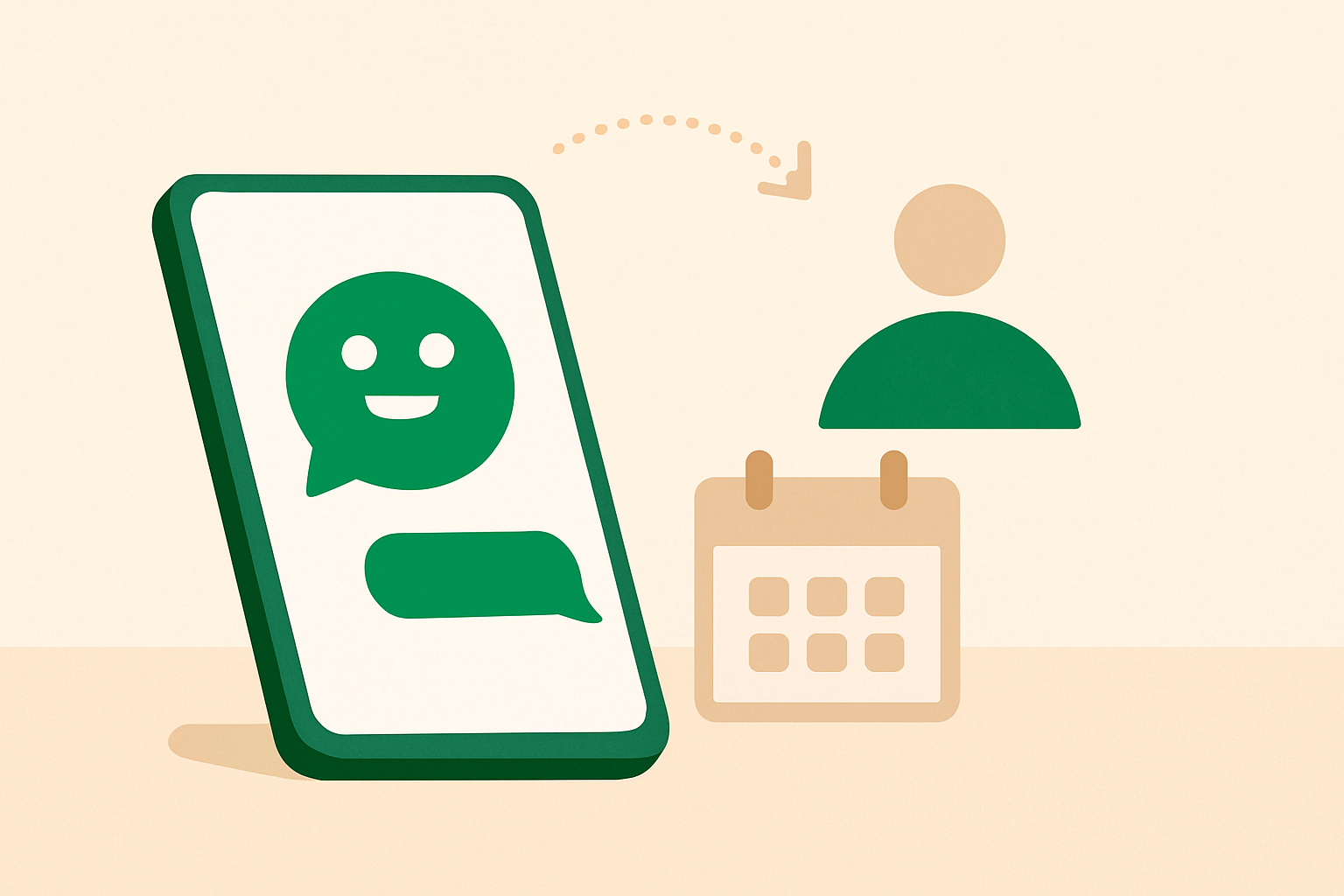
¿Un asistente de IA de WhatsApp puede reservar citas o debería pasar la programación a una persona?
Un asistente de IA puede reservar citas sencillas desde WhatsApp, Instagram y Messenger, pero debe detenerse antes de convertir una decisión compleja del calendario en un juego de adivinanzas. Aquí explicamos cuándo whacl debe responder, cuándo debe pedir ayuda y cómo funciona la transferencia a una persona.
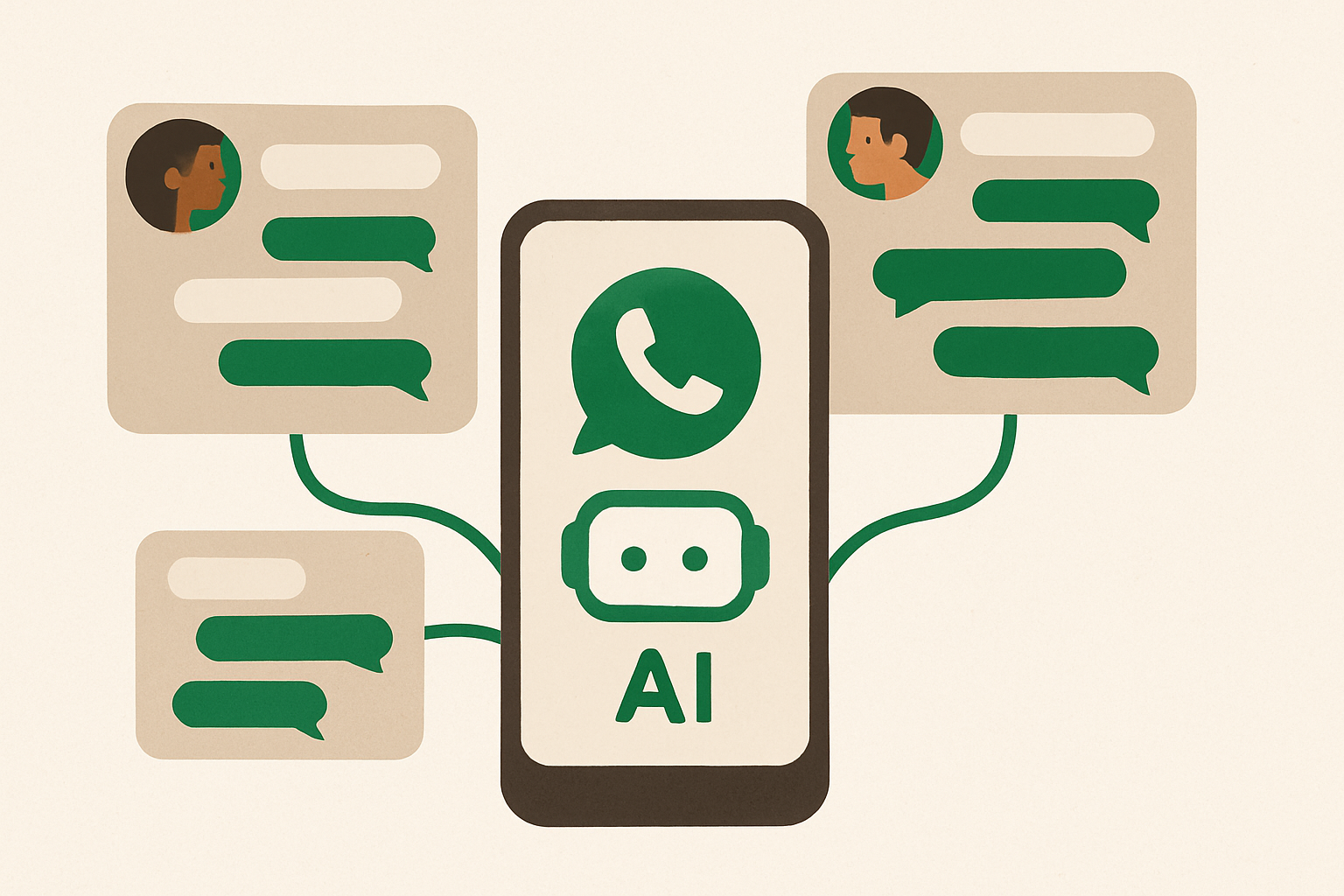
¿Puede un asistente de IA para WhatsApp gestionar varias conversaciones con clientes al mismo tiempo?
Sí: whacl mantiene separados los mensajes, el canal y el historial de conversación de cada cliente mientras responde a muchas personas al mismo tiempo. Así evita mezclar el contexto y te permite saber en qué momentos sigue siendo necesaria la revisión humana.
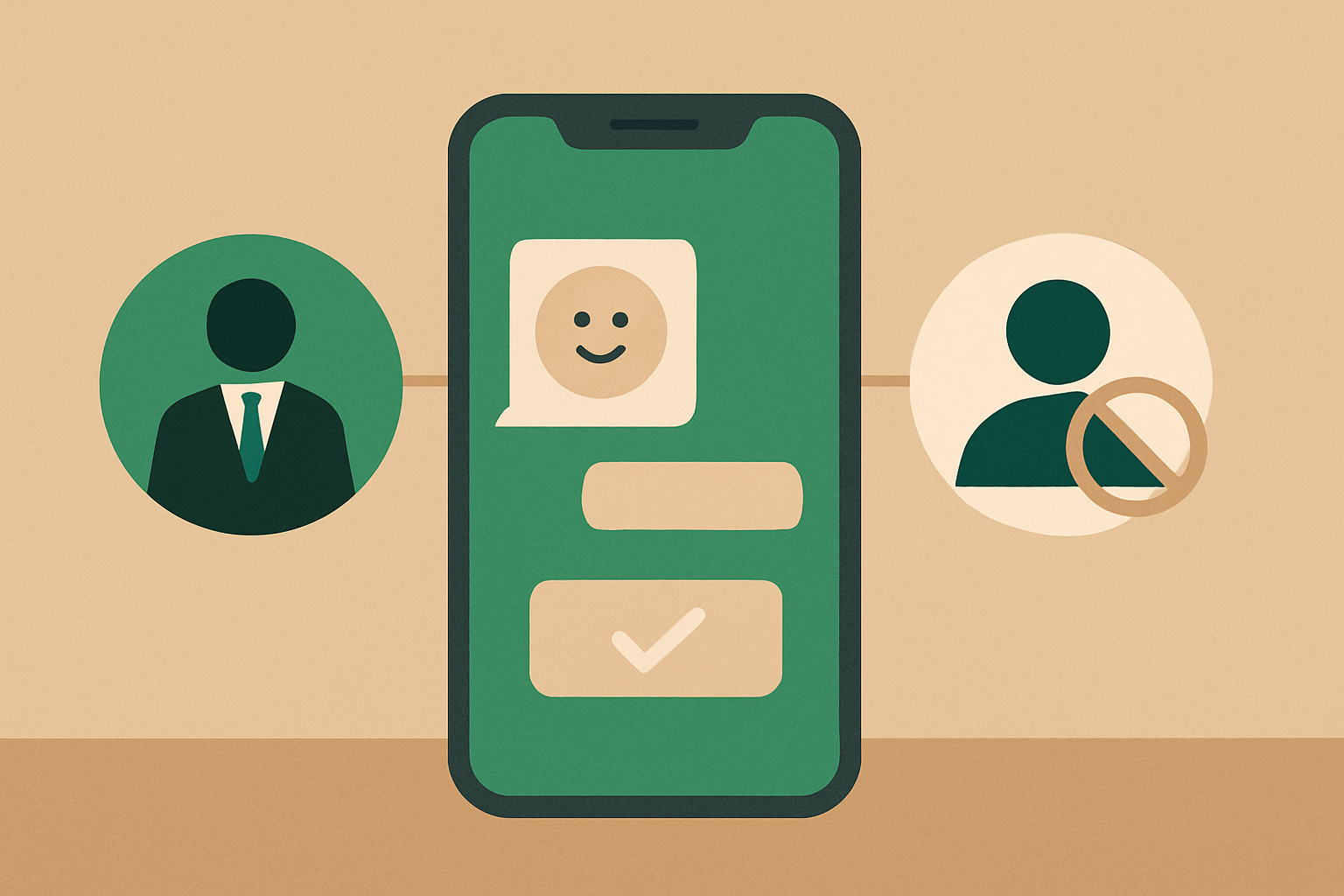
¿Cómo evito que mi asistente de IA de WhatsApp responda a mensajes personales cuando uso el mismo número para chats personales y del negocio?
Si tus chats personales y del negocio en WhatsApp comparten un mismo número, whacl no puede determinar de forma fiable a qué conversaciones es seguro responder automáticamente. Cambia ahora al modo de revisión y, después, pasa la mensajería del negocio a otro número.
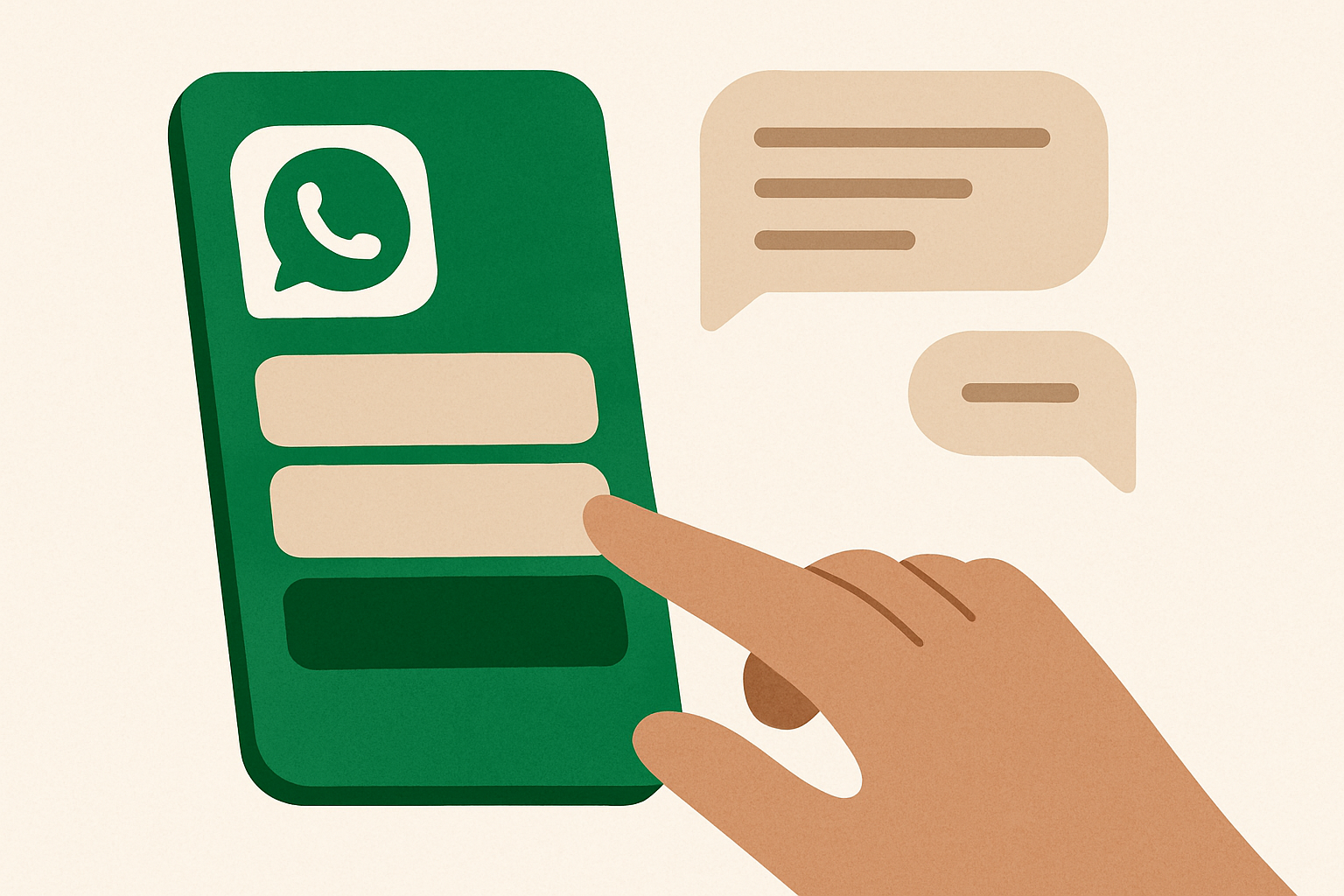
¿Puede un asistente de IA de WhatsApp usar botones y respuestas rápidas?
Sí: un asistente de IA de WhatsApp puede ofrecer a los clientes botones, listas y respuestas rápidas para que elijan una opción en lugar de tener que escribir cada respuesta. Así es como whacl combina opciones guiadas con respuestas basadas en tu propio catálogo y tus políticas, y en qué momentos la conversación libre sigue siendo importante.
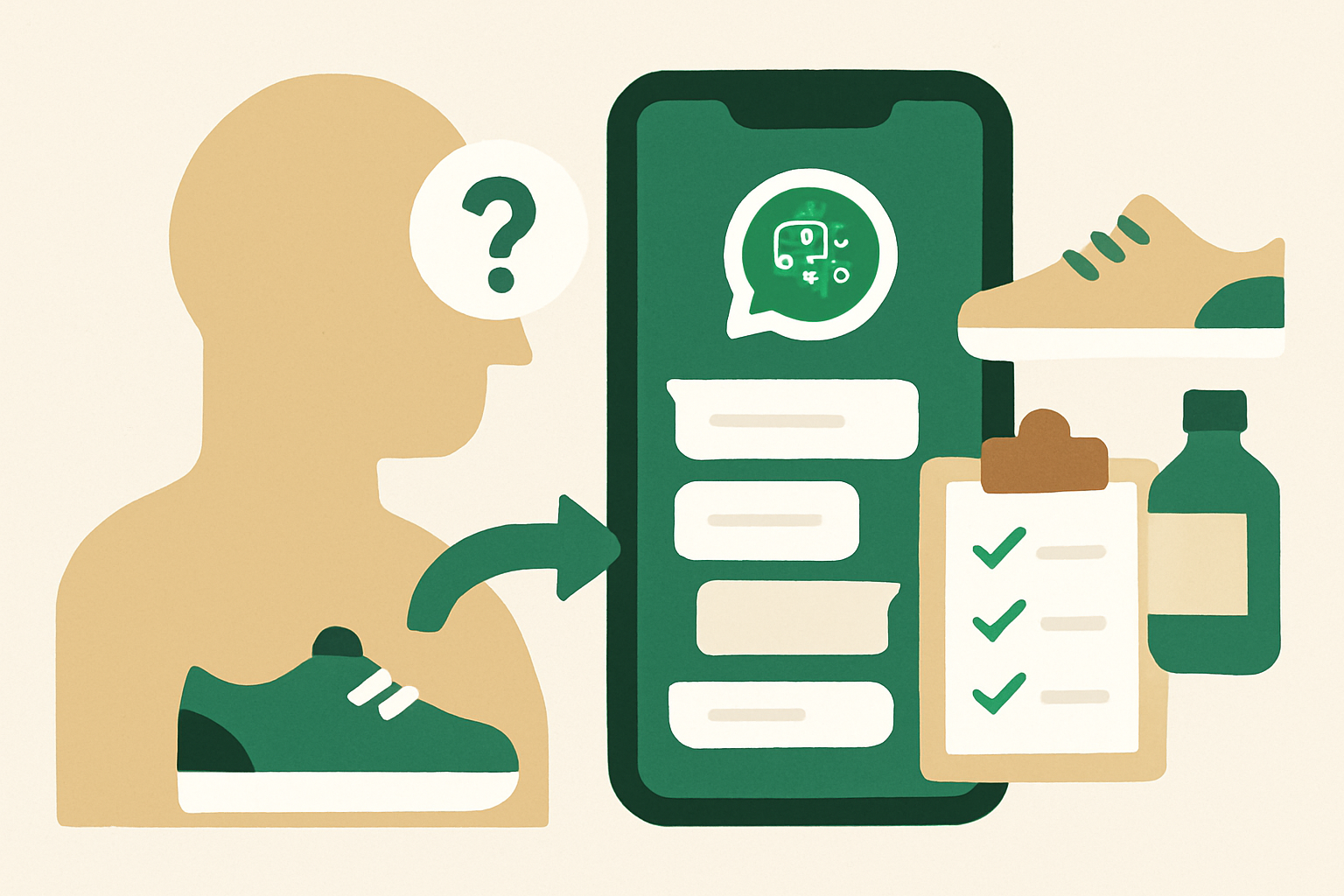
¿Puede un asistente de IA de WhatsApp recomendar los productos adecuados de tu catálogo?
Sí, siempre que el asistente haga solo las preguntas que cambian la recomendación y después compruebe las respuestas con tu catálogo y tus políticas reales. Así funciona en whacl, desde el primer mensaje de WhatsApp hasta la transferencia a una persona y el seguimiento del coste de cada respuesta.
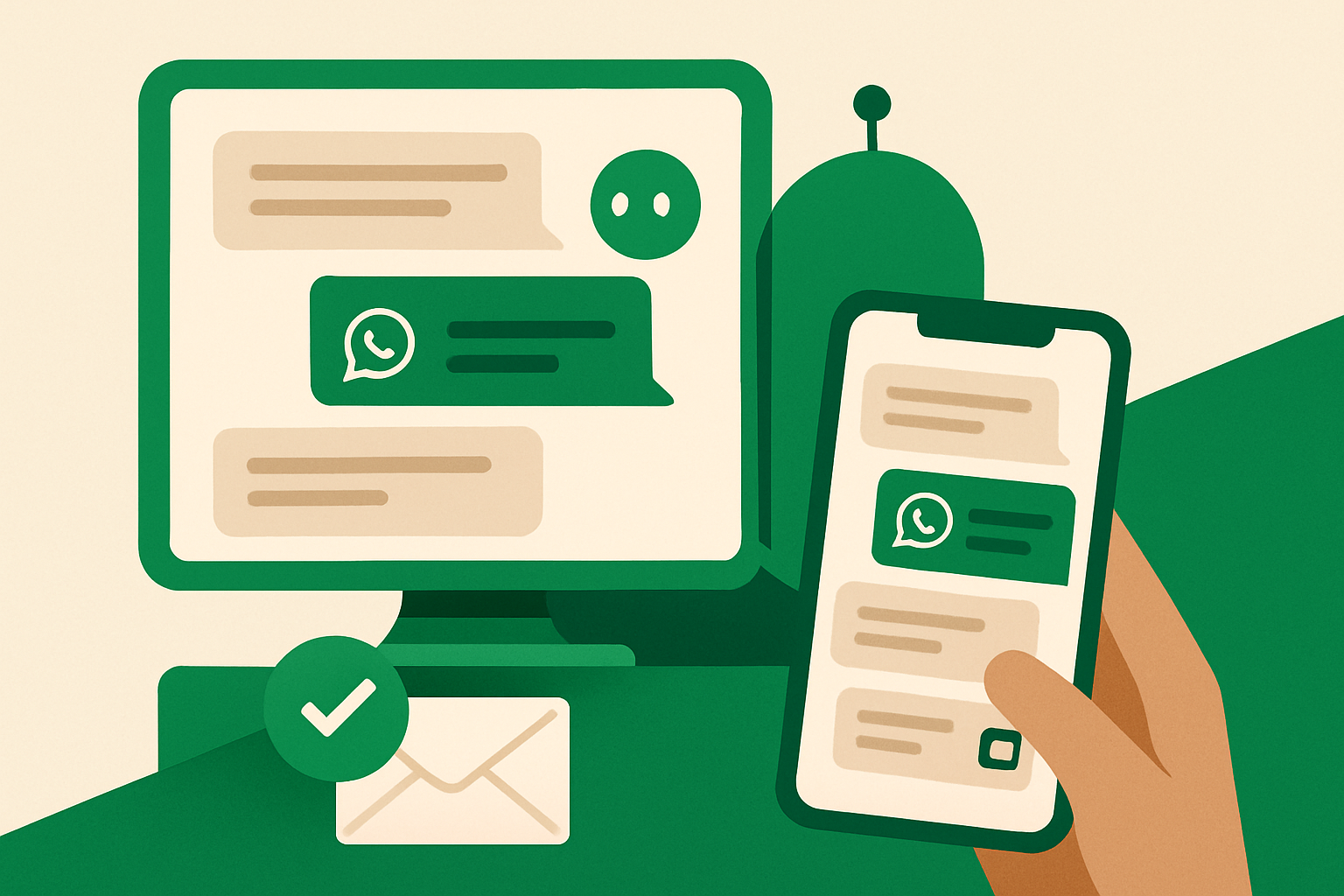
¿Puedo ver cómo responde mi asistente de IA de WhatsApp sin tener que hacerme cargo de cada chat?
Sí. whacl te permite seguir las conversaciones del asistente desde una sola bandeja de entrada, revisar las respuestas antes de que se envíen o dejar que las respuestas aprobadas se envíen automáticamente, mientras tu equipo está listo para atender los chats que necesitan a una persona.
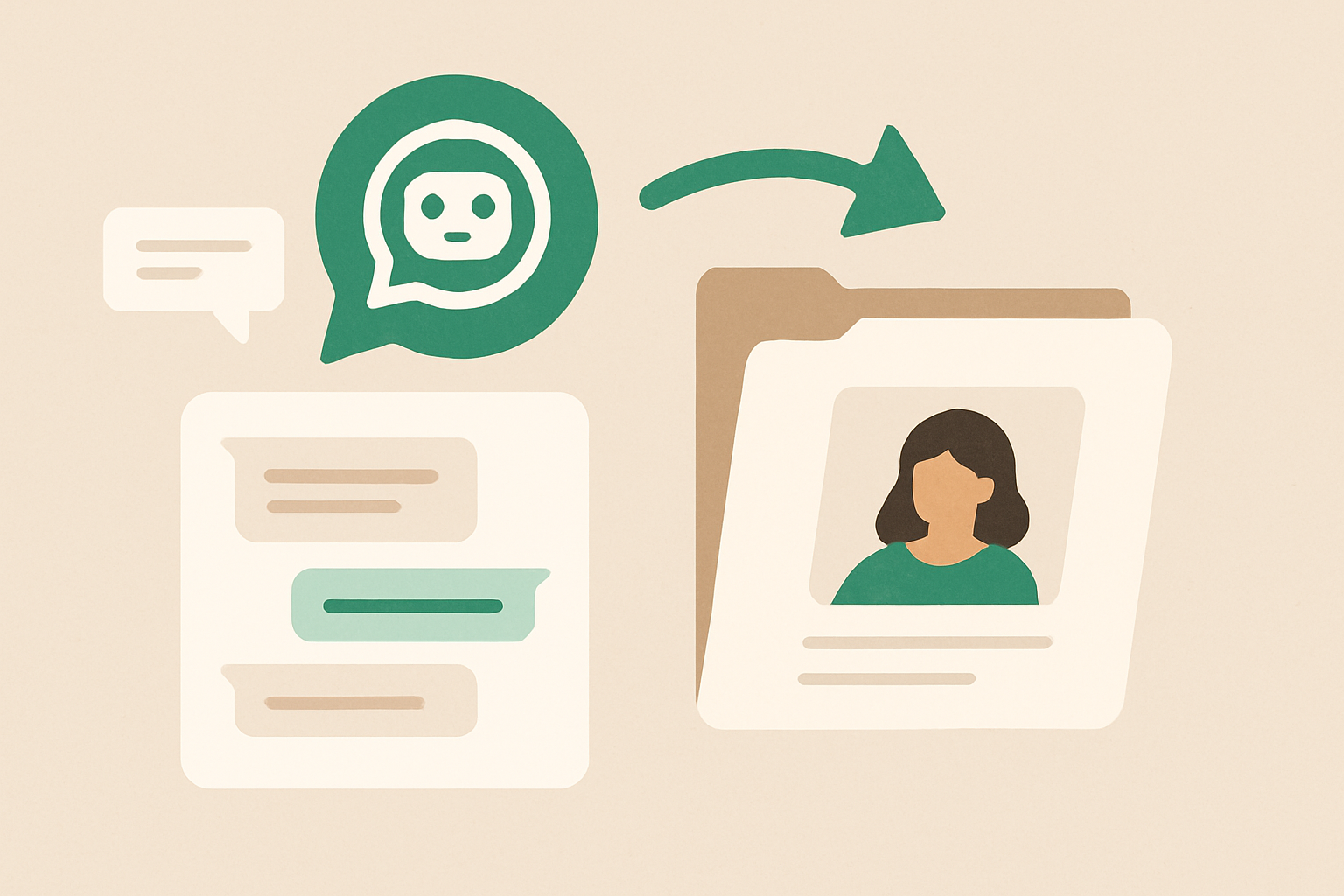
¿Puede un asistente de IA de WhatsApp recordar las conversaciones anteriores de un cliente?
Un cliente que vuelve no debería tener que explicar desde cero su pedido, sus preferencias o una pregunta que quedó sin responder. Esto es lo que whacl puede utilizar de conversaciones anteriores, cómo identifica al cliente y en qué casos una persona debe revisar el contexto.
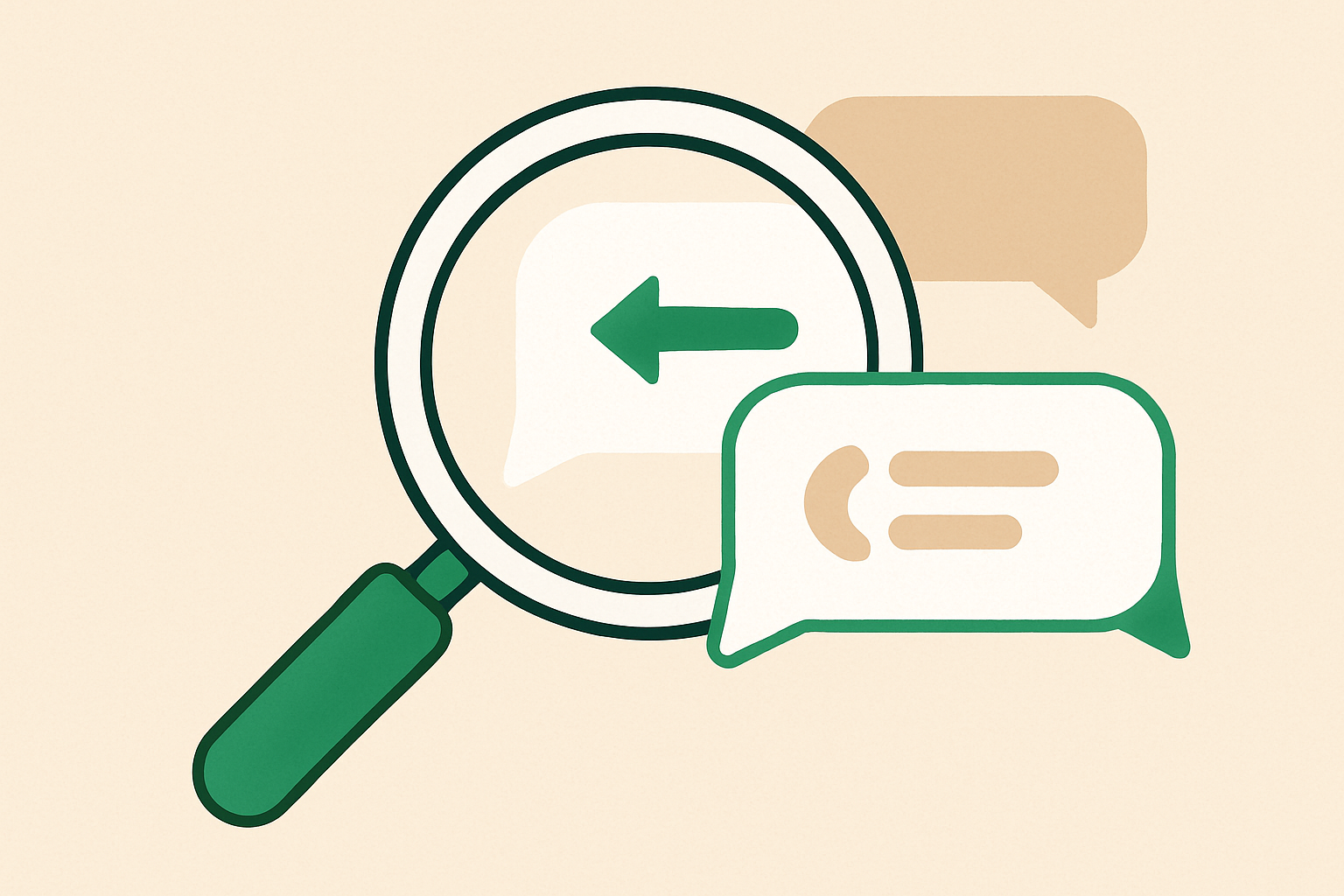
Cómo sabe whacl si un mensaje de WhatsApp es una continuación
«Hola, ¿sigue disponible?» puede ser una continuación de la conversación de ayer o iniciar una nueva sobre otro producto. Así es como whacl utiliza el contexto de la conversación para generar una respuesta instantánea y cuándo deja la decisión en manos de una persona.
¿Puede un asistente de IA para WhatsApp entender las notas de voz de los clientes?
Los clientes no siempre escriben una pregunta clara en WhatsApp. Muchos prefieren enviar una nota de voz. Aquí te explicamos cómo whacl convierte ese audio en una respuesta basada en tu catálogo y tus políticas, y en qué casos todavía debe intervenir una persona.
How to pause whacl for one WhatsApp customer and take over as a human
You do not need to switch off your whole WhatsApp assistant because one conversation needs a person. Pause whacl for that customer, reply from the shared inbox with the full thread in front of you, then resume AI replies when the handoff is finished.
How to make your WhatsApp AI assistant sound like your business
A WhatsApp assistant sounds generic when it has generic information to work from. Give it your catalog, policies, and real examples of how your team answers — then review its replies before it sends them until the tone is right.
How to update the prices, product details, or policies your WhatsApp AI assistant uses
If a price changes at 10am, your whacl assistant should not keep quoting yesterday's number at 10:05. Keep its catalog, delivery terms, and business rules current so WhatsApp, Instagram, and Messenger customers get the same answer everywhere.
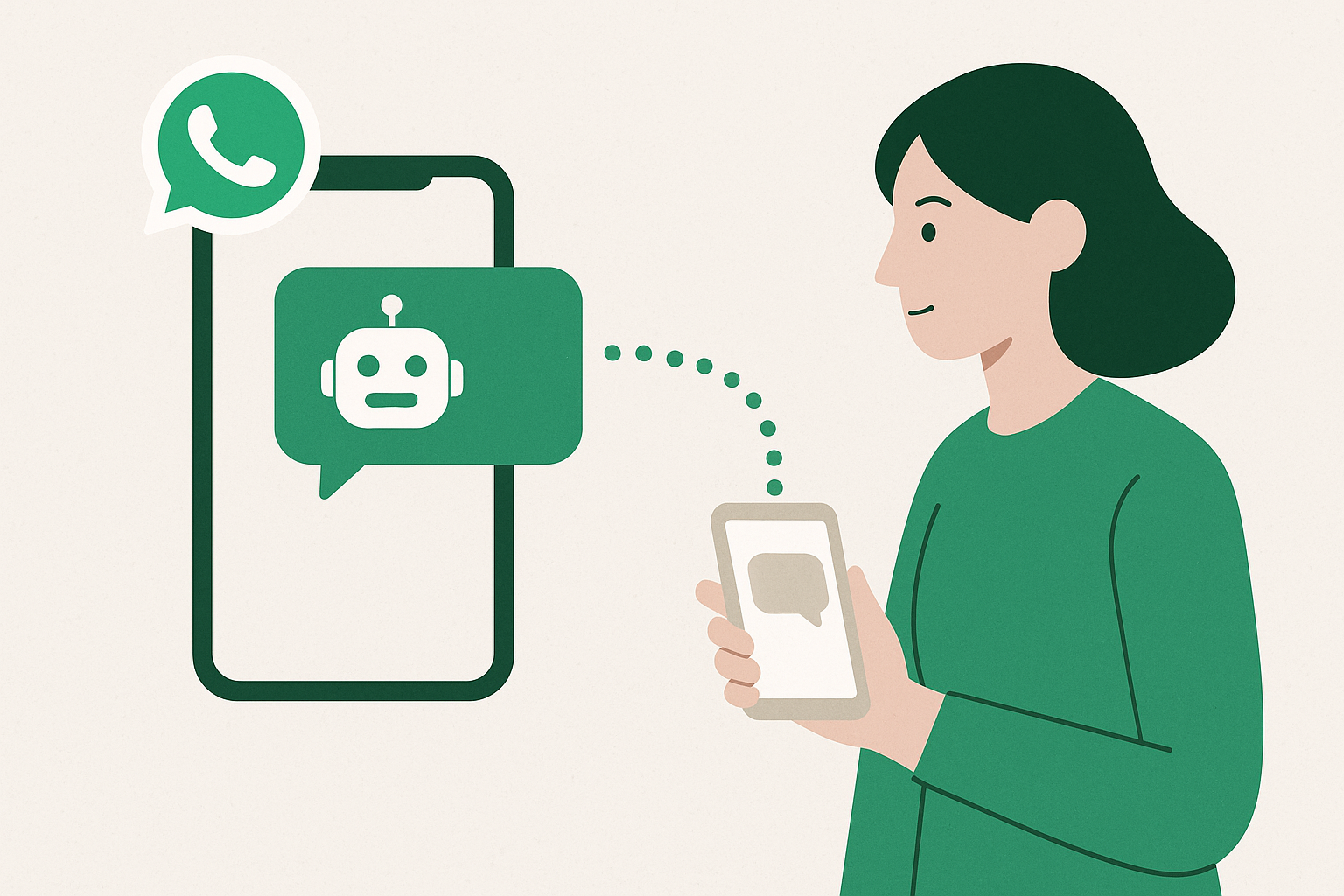
How to hand an AI WhatsApp conversation to a human without making the customer repeat everything
A handoff fails when the customer has already explained the order, delivery area, and problem — then gets asked to start again. In whacl, the human takes over in the same WhatsApp thread, with the AI conversation and customer details already visible.
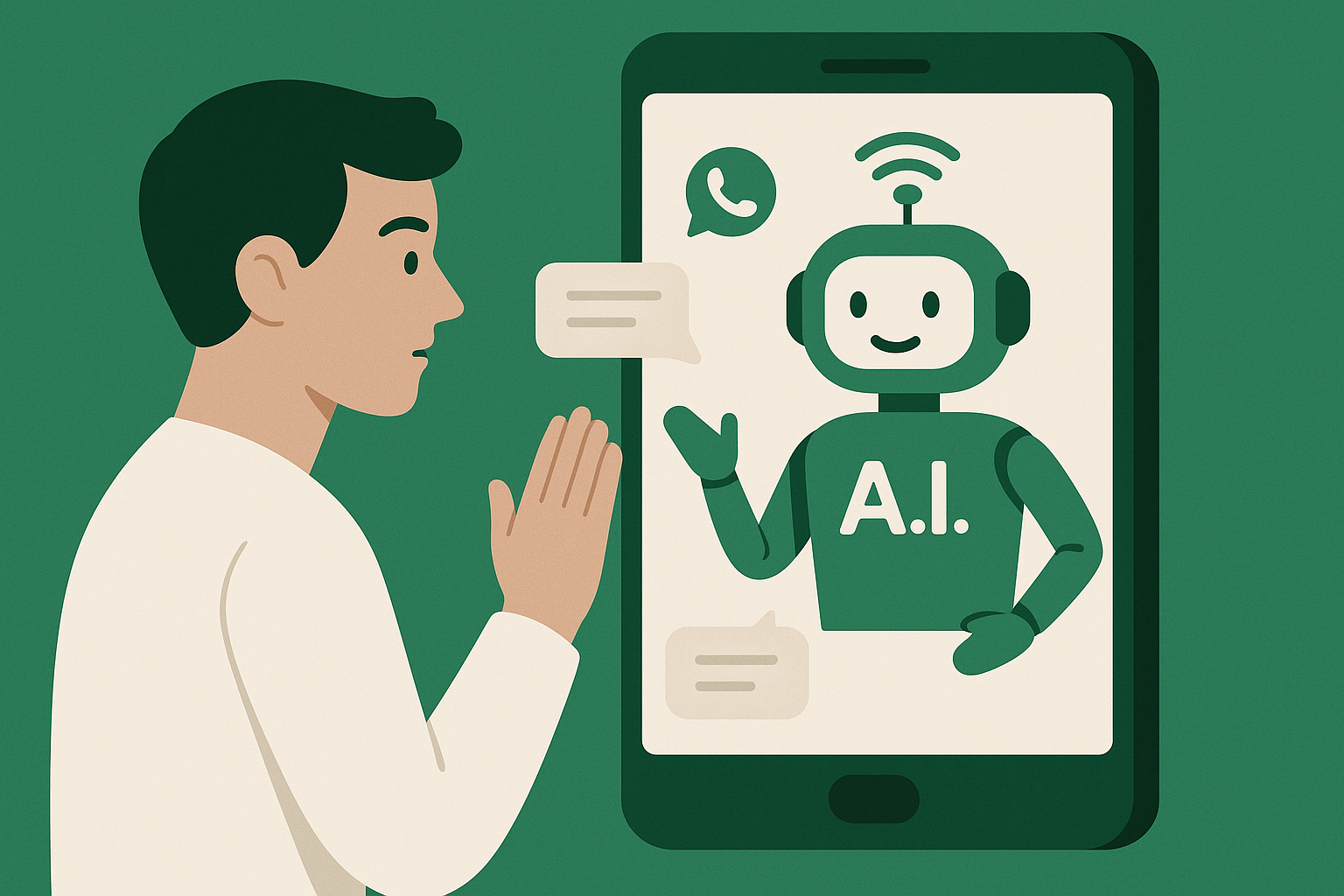
How to stop an AI WhatsApp assistant from making up product details or policy answers
An AI assistant should not invent prices, delivery promises, or return rules in customer chats. Limit what it can answer from, review its replies before sending, and hand uncertain questions to your team with the full thread attached.
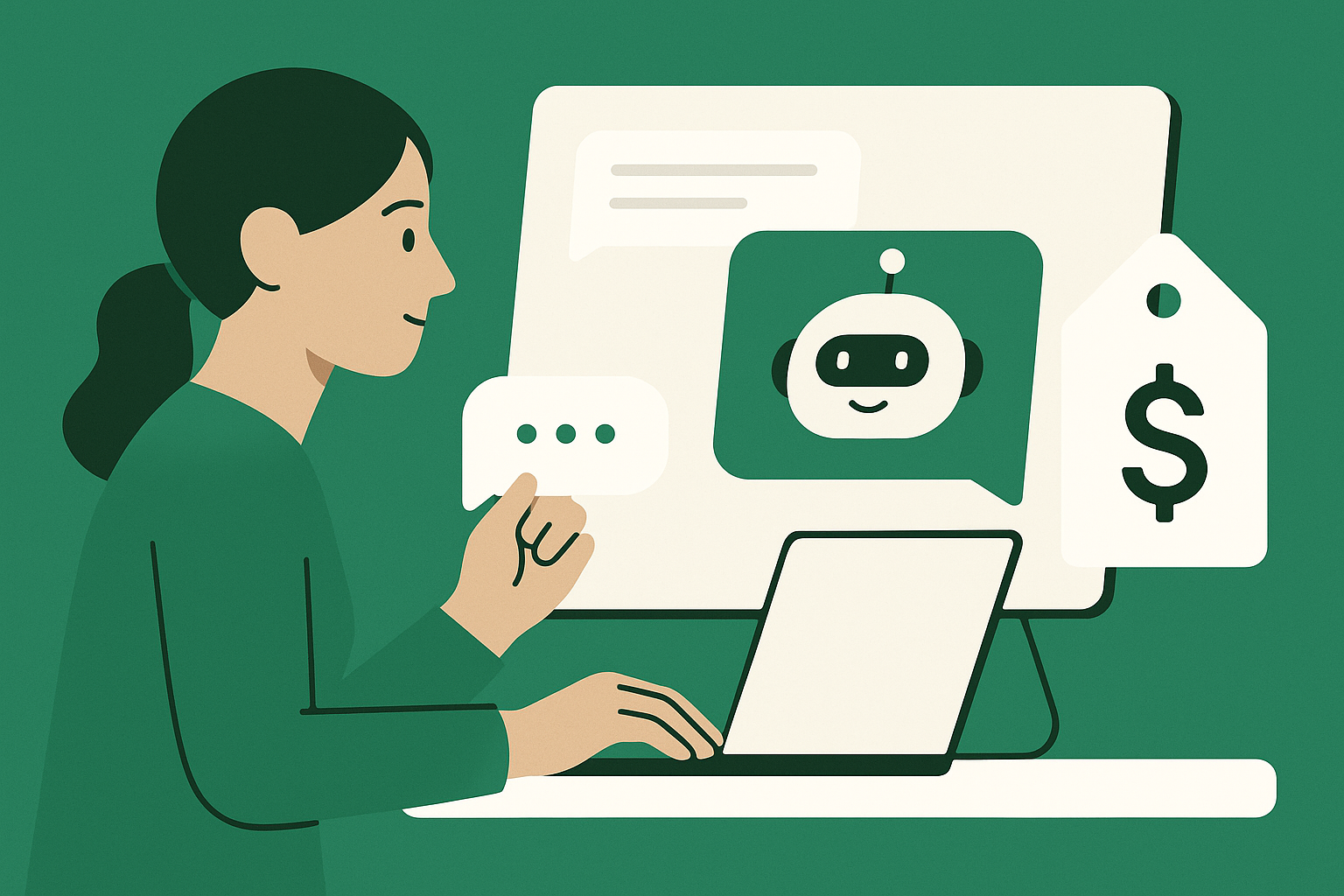
What AI replies actually cost per conversation
Per-million-token pricing tells you almost nothing about your bill. Here is how the cost of answering one customer is really built up.
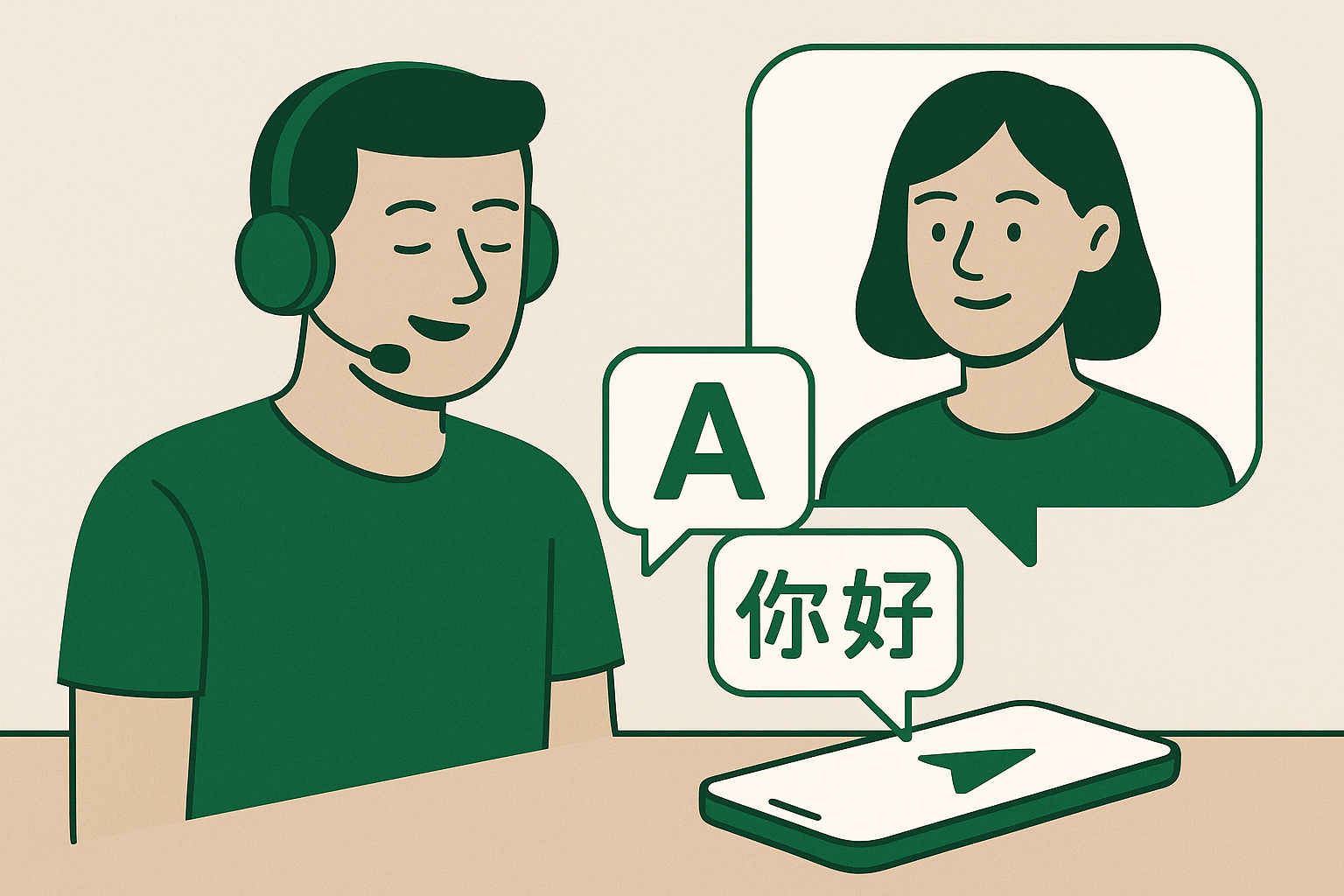
Replying in your customer's actual language, dialect included
Supporting "French" is not the same as answering someone who writes in Darija using Latin letters. Where most multilingual support quietly fails.

How to choose an AI model for customer replies
Benchmarks are run on puzzles, not on your customers. Here is a way to pick a model that takes an afternoon and uses your own conversations.
5 ways an AI assistant cuts WhatsApp response time
A customer who waits four hours for a price rarely waits — they message the next supplier instead. Here's where an AI assistant actually saves the time that matters.
Sales 6 articles
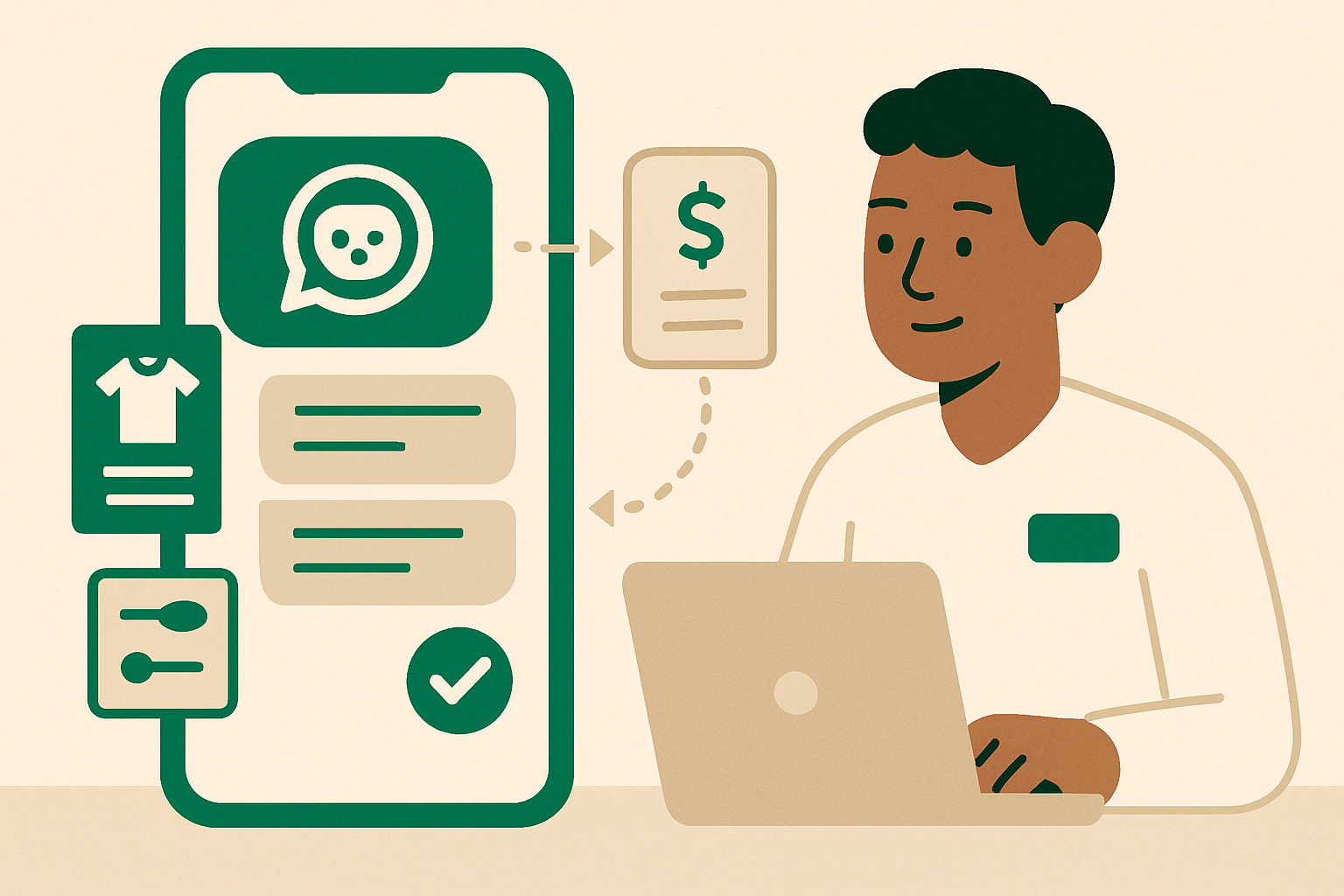
¿Puede un asistente de IA de WhatsApp recopilar los datos necesarios para preparar un presupuesto personalizado y luego pasar la solicitud completa a una persona?
Sí, cuando el asistente tiene el catálogo del negocio, las reglas para preparar presupuestos y las instrucciones para derivar la conversación a una persona. whacl puede recopilar los datos que falten en WhatsApp, Instagram o Messenger y enviar la conversación, junto con su contexto, a una persona en lugar de dejar al equipo otro mensaje impreciso de «¿Cuánto cuesta?».
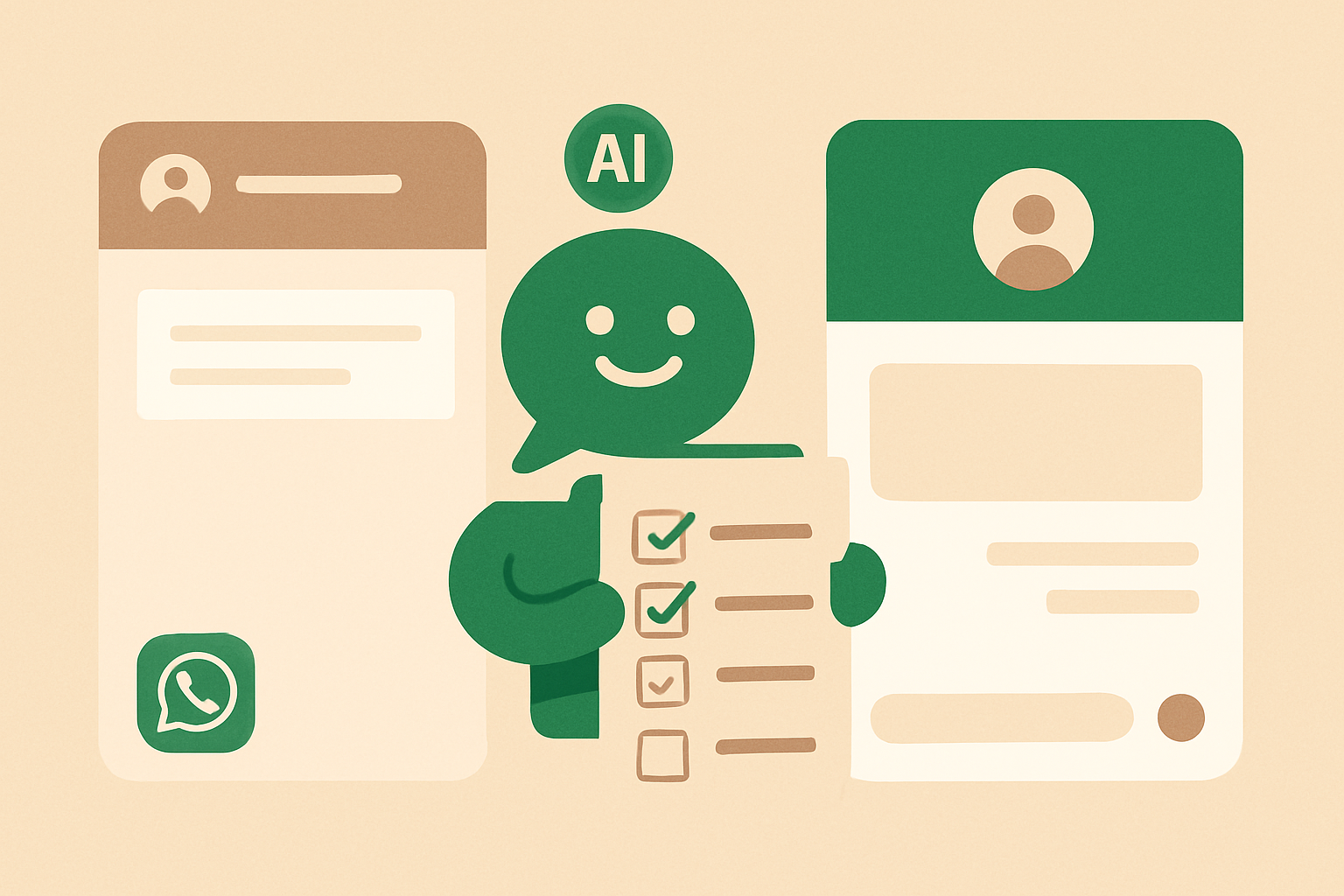
Cómo un asistente de IA para WhatsApp convierte un chat con un cliente en un resumen del pedido
Un cliente no debería tener que repetir el producto, la cantidad, la dirección de entrega ni los horarios después de que una conversación de WhatsApp llegue a tu equipo de ventas. Así es como whacl recopila los datos, comprueba qué falta y entrega a una persona un resumen claro del pedido en WhatsApp, Instagram y Messenger.
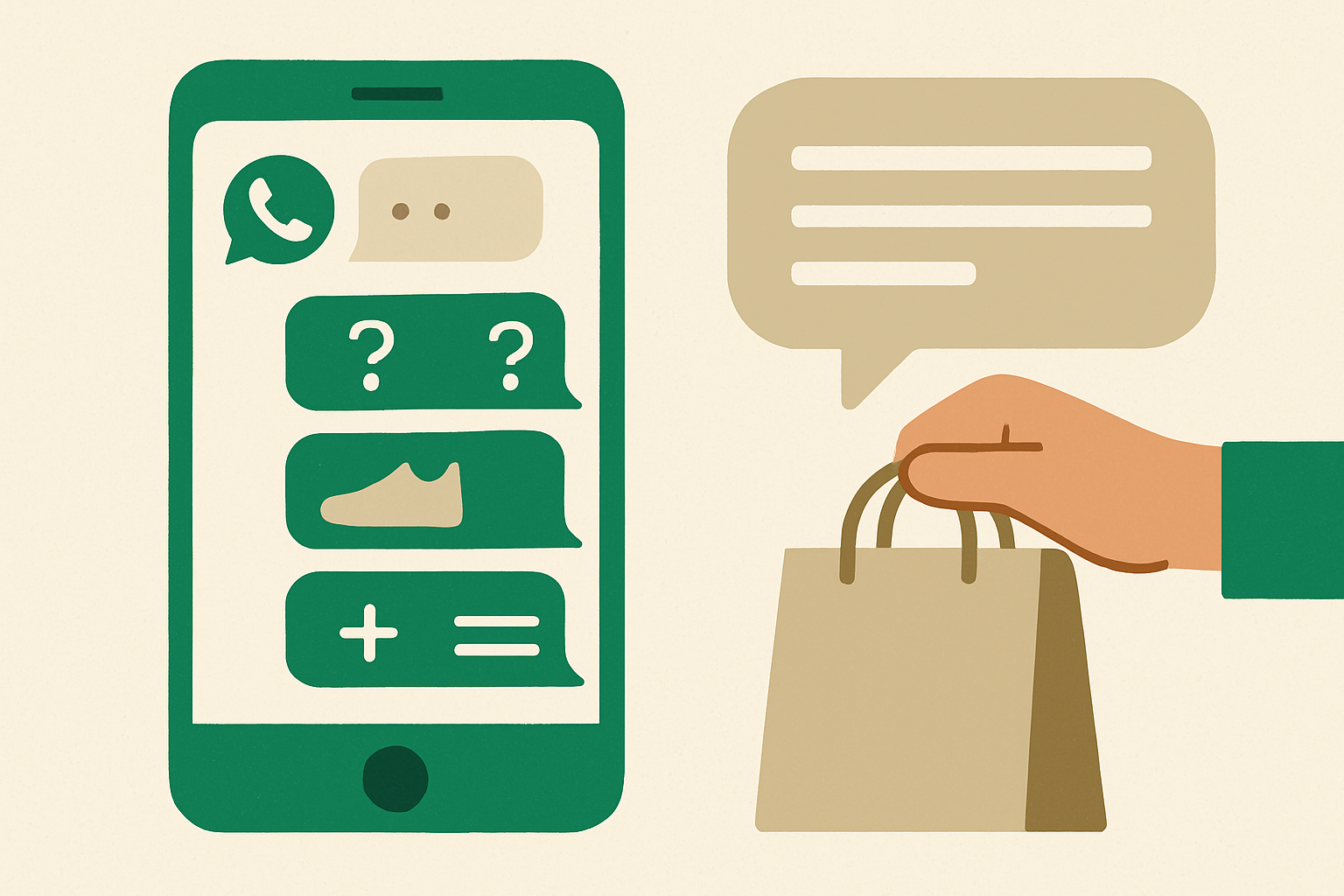
¿Puede un asistente de IA de WhatsApp hacer las preguntas de seguimiento adecuadas para completar el pedido de un cliente?
Un cliente rara vez envía todos los detalles de un pedido en un solo mensaje. Así es como whacl utiliza tu catálogo y tus políticas para pedir la información que falta, confirmar el pedido final y entregar a una persona el hilo completo cuando la conversación lo requiere.
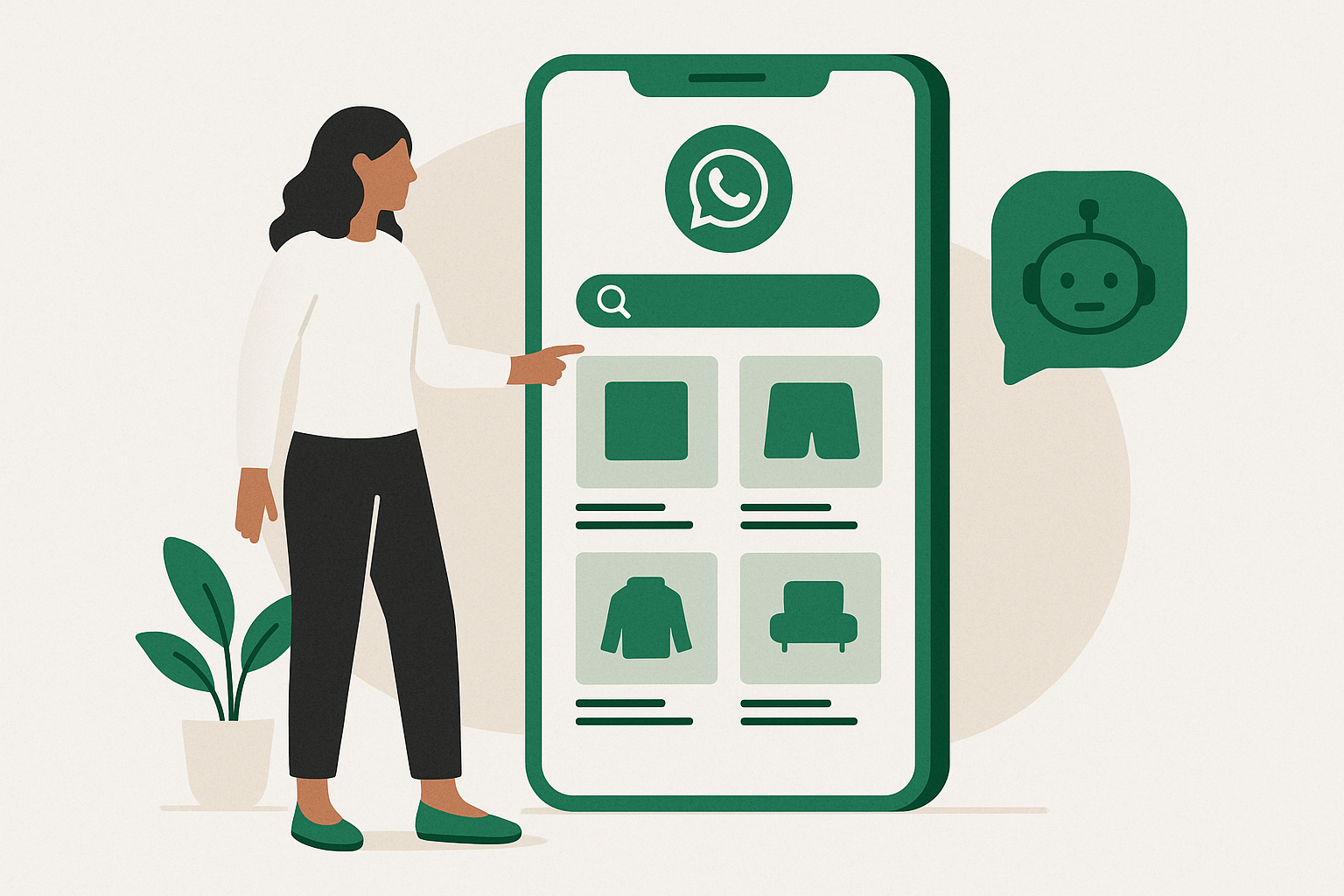
WhatsApp's Catalog feature isn't a chatbot, and treating it like one costs you leads
A catalog card shows a photo, a name, and a price. It can't tell a customer whether that item comes in a different size, whether you deliver to their city, or whether it's actually in stock this week. Here's where the built-in catalog stops and a real answer has to start.
When to let AI reply, and when not to
Full automation is rarely the right setting on day one. A staged rollout gets the speed benefit without the risk of a bad answer going out unread.
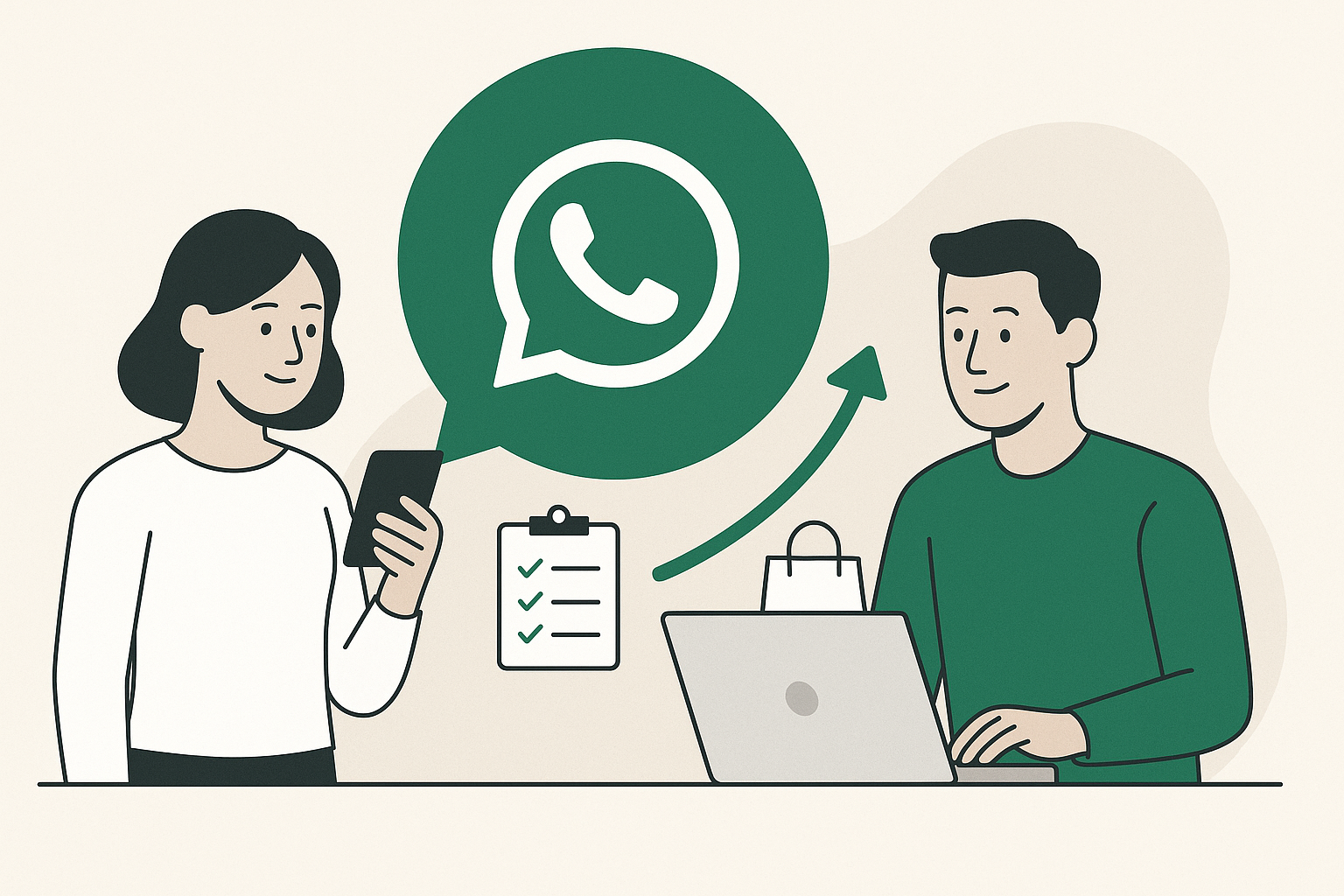
Turning WhatsApp leads into sales without hiring a full-time agent
You don't need a call center to stop losing leads to slow replies. A simple qualify-then-handoff flow gets most of the way there.
Channels 3 articles
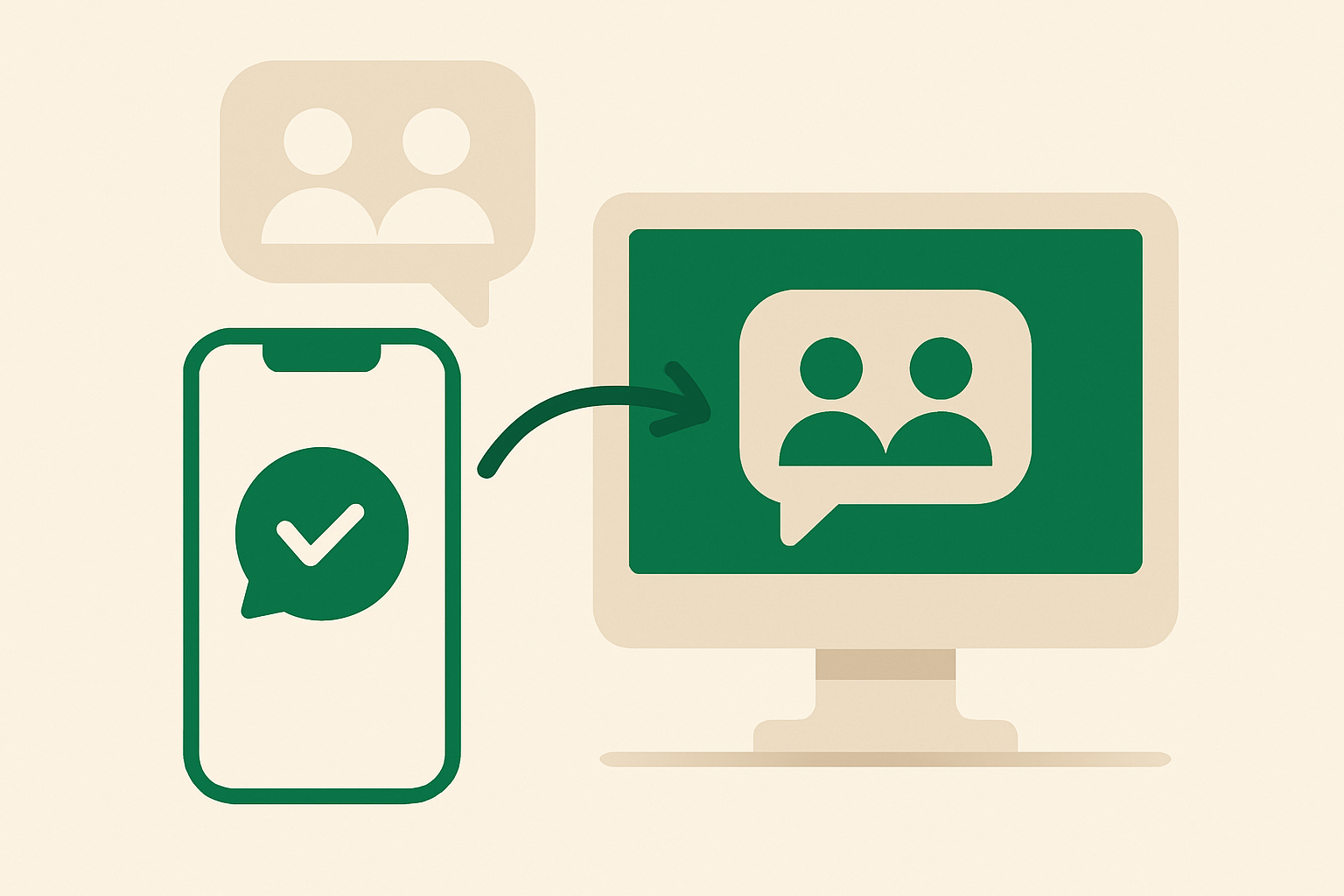
¿Puede whacl responder a los clientes dentro de chats grupales de WhatsApp?
whacl responde a los clientes en conversaciones individuales de WhatsApp, no dentro de chats grupales de WhatsApp. Esto es lo que implica esa limitación, cómo la bandeja de entrada compartida ayuda a tu equipo y qué papel desempeñan Instagram y Messenger.
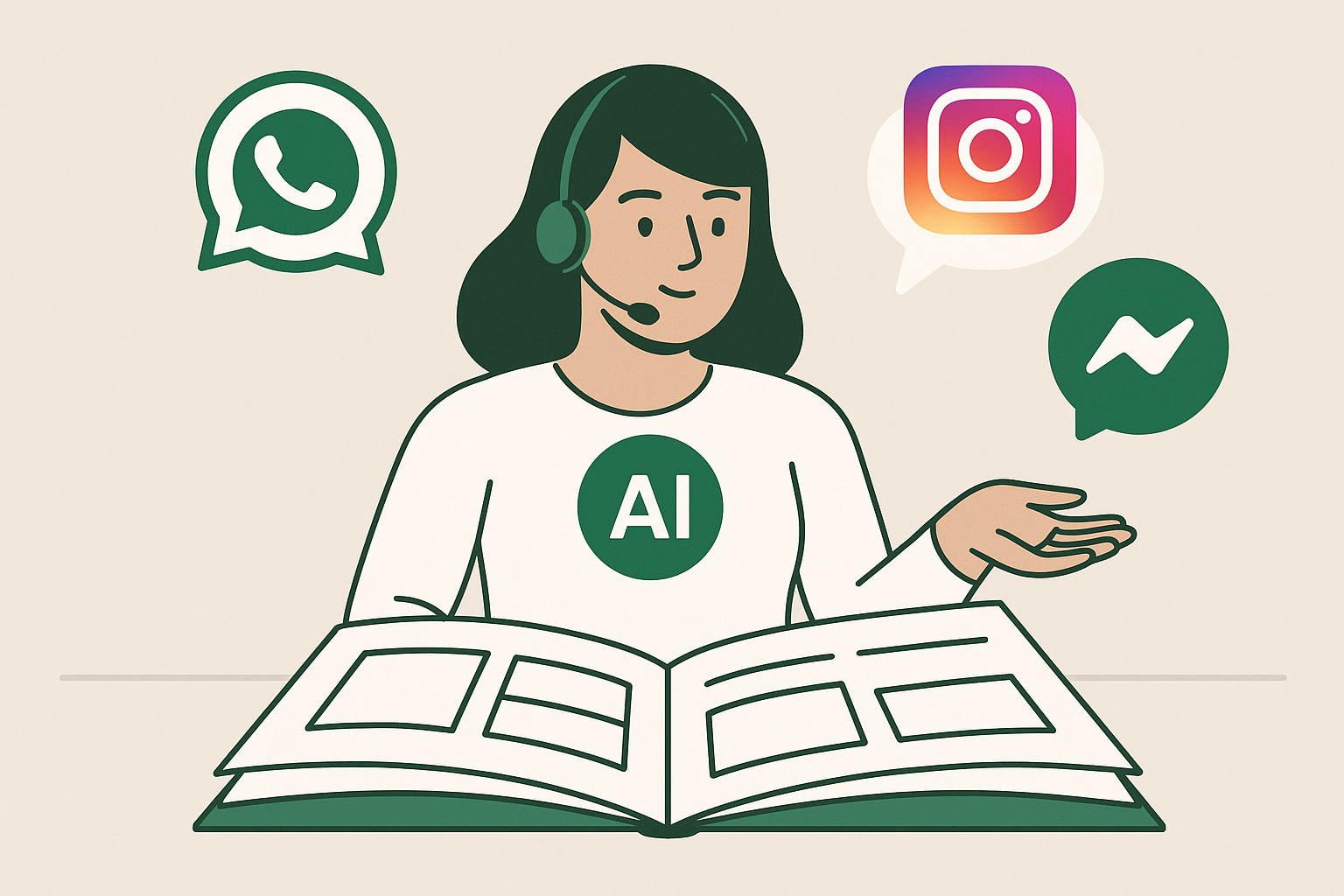
Can one AI assistant answer on WhatsApp, Instagram, and Messenger from the same catalog?
Yes for the assistant and its business information: you can use one catalog, one set of delivery and return policies, and one AI assistant across all three inboxes. No for channel connection: you still connect WhatsApp, Instagram, and Messenger to whacl individually, but you do not rebuild the assistant or maintain three versions of the same answers.

WhatsApp vs Instagram vs Messenger: where your customers actually message you
Most businesses end up managing all three anyway. Here's how to think about which channel gets which kind of customer — and why they end up needing one shared inbox.
Setup 3 articles
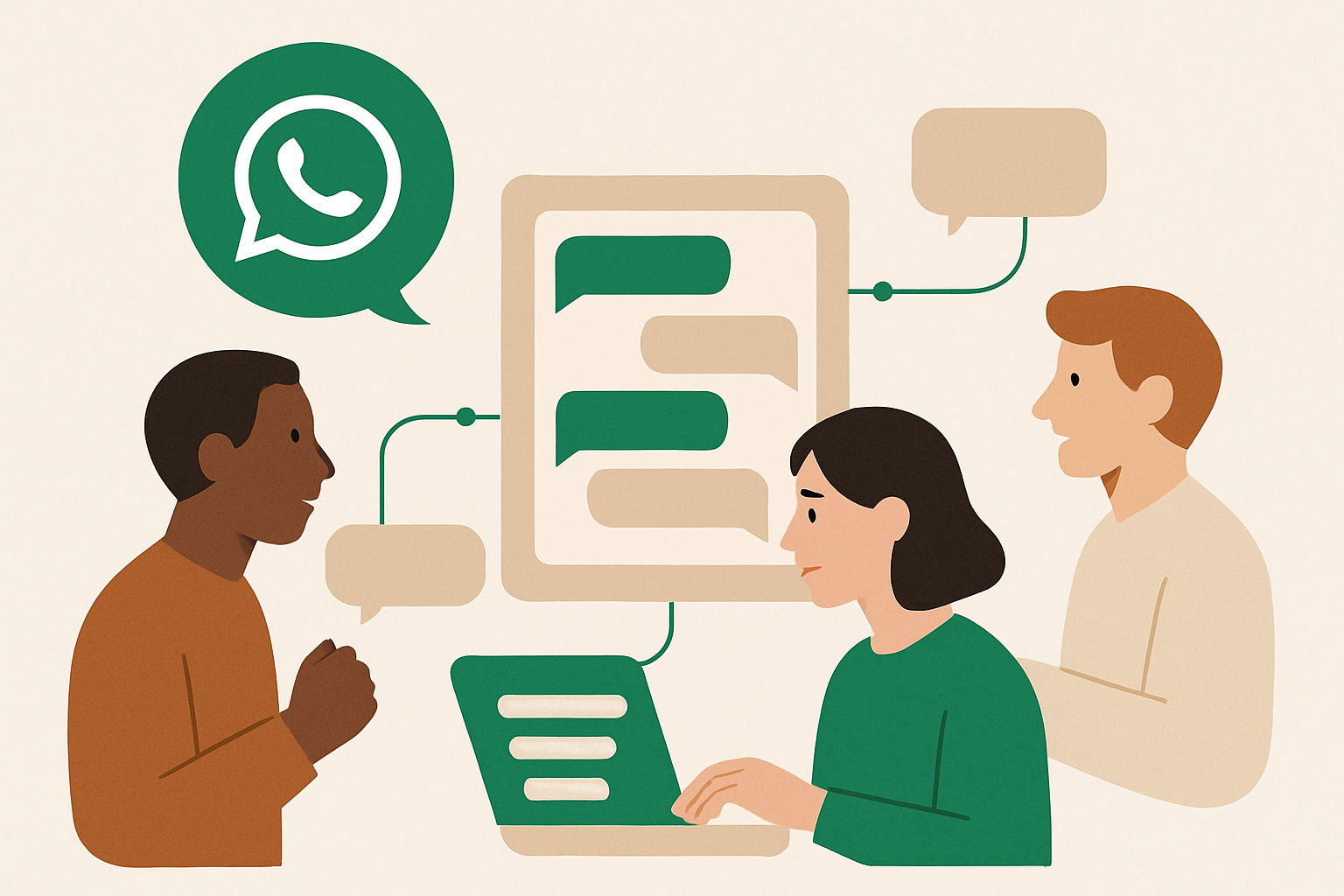
Cómo pueden responder varias personas de un equipo desde un mismo número de WhatsApp sin pisarse entre sí
Compartir un número de WhatsApp no tiene por qué significar compartir el caos. Así es como whacl reúne las respuestas de la IA, las transferencias a personas y las conversaciones de WhatsApp, Instagram y Messenger en una sola bandeja de entrada organizada.
Can I keep using WhatsApp Business on the same number while whacl answers customers?
Yes — if your number is eligible for WhatsApp Coexistence, your team can keep using the WhatsApp Business app on the same number while whacl handles incoming questions from your catalog and policies. Your team can see the conversation and take over when a customer needs a person.

How to get WhatsApp Business API access
The regular WhatsApp Business app runs out of room fast once more than one person needs to reply. Here's what actually changes with the Cloud API, and what Meta requires to approve a business.
Compliance 1 article
Preguntas, respondidas.
Didn't find it here?
¿Necesito mi propio acceso a la API de WhatsApp Business?
No — nos encargamos nosotros de la verificación de Meta Business y de configurar la API de WhatsApp Cloud, usando el número de empresa que ya tienes.
What stops the assistant inventing a price or promising something you can't deliver?
It answers from your catalogue, price list and policies rather than general knowledge, and anything it can't answer from them becomes a handoff instead of a guess.
Will this get my WhatsApp number banned?
No. Replies only go out inside WhatsApp's 24-hour customer service window, and anything outside it uses templates you've had approved by Meta.
What does the AI itself cost to run?
Usage is billed per message by the model you pick, and the dashboard shows real spend per reply and per customer rather than an estimate.
See these answers on your own number.
Everything in these guides is what whacl does automatically — connect your WhatsApp and watch it answer your first customer today.