Can a WhatsApp AI assistant understand customer voice notes?
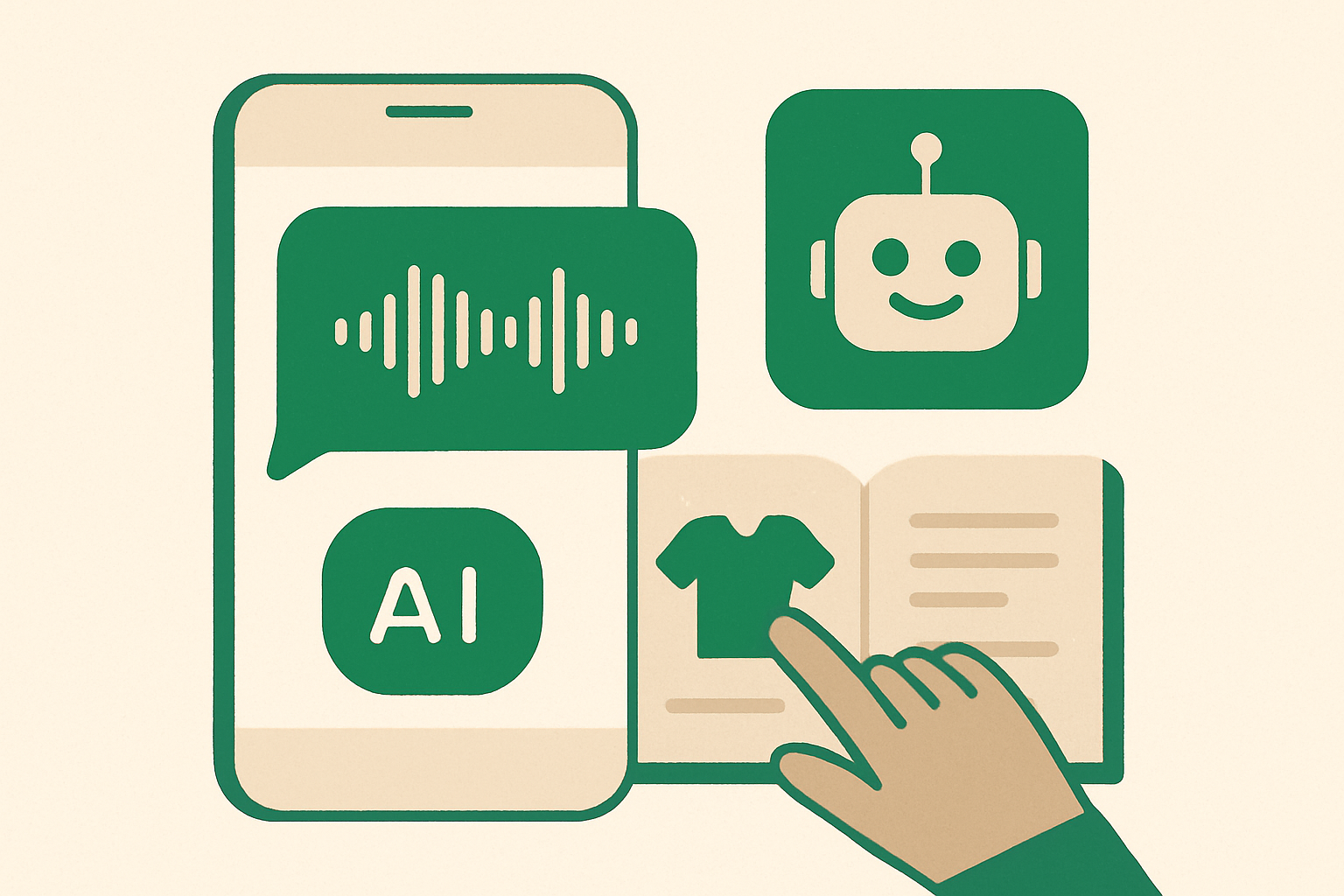
Yes. Customers can send a voice note instead of typing, and whacl can transcribe the audio before generating a reply. The assistant then uses your business's own catalog, prices, delivery rules, opening hours, and policies rather than relying on a general chatbot conversation.
That lets customers ask questions in the way they already use WhatsApp. Someone can explain a product problem, ask for a quote, or include several details in one message without typing everything out.
What happens when a customer sends a voice note
First, WhatsApp delivers the audio message to whacl. The audio is transcribed into text, and the transcript is interpreted with the conversation history. That gives the assistant context for requests about prices, orders, products, or earlier messages.
The assistant then uses the information you have supplied to whacl, including your products, services, availability, delivery areas, payment instructions, return terms, and other business policies. If the customer says, “Can you send me the medium one in blue to the same place as last time?”, the answer depends on the earlier chat and your actual catalog, not only on recognising the words in the recording.
Once it has enough information, whacl sends a written answer back in the WhatsApp conversation. Your team can see the original voice note, its transcript, and the assistant's reply in the same conversation.
Customers can speak naturally
A customer does not have to phrase a voice note like a search query. They can say, “Hi, I need something for a small bathroom, preferably not too expensive, and can you deliver before Friday?” whacl can use those product requirements, budget details, and delivery timing together when preparing a reply.
The transcript may be imperfect when a recording has heavy background noise, very low volume, overlapping speakers, or a word that could refer to more than one product. In those cases, the assistant should ask the customer to confirm the important detail or hand the conversation to your team rather than guess.
Review mode gives your team control
If you are not ready for an AI-generated reply to go straight to customers, whacl can work in review mode. The assistant prepares a response after reading the voice-note transcript and relevant conversation, and a team member reviews it before sending.
This is useful when a voice note contains a custom measurement, a complaint about a previous order, a medical or technical concern, or a request outside your normal policy. The staff member can listen to the original audio, read the transcript, check the suggested answer, and edit or send it from the inbox.
Review mode also lets you test voice-note handling against real conversations. You can check how the transcript handles product names, local place names, order references, and abbreviations before enabling automatic replies.
Auto-send is for questions with clear answers
For routine voice notes, auto-send lets customers receive immediate answers about opening hours, delivery coverage, available sizes, or the price of a listed product.
The answer is based on the information whacl has for your business. If your catalog lists three sizes, the assistant can use those sizes. If your delivery policy covers only certain postcodes, it can explain that rule. If the information needed to answer is missing, the safer response is to ask for the missing detail or hand the conversation over instead of inventing a stock level or delivery promise.
You choose whether replies are reviewed or sent automatically from the same workflow. Low-risk questions can be answered automatically while more sensitive conversations stay with a person.
Human handoff keeps the voice note attached
Some conversations should go to a person. A customer who is angry about a delayed order, wants to negotiate a large purchase, reports a service problem, or asks for an exception needs a member of your team.
When whacl hands the chat over, the human receives the full thread context. They do not need to ask the customer to repeat the voice note or reconstruct what the assistant heard. The original recording, transcript, previous messages, and assistant replies remain together in the WhatsApp inbox.
A staff member can therefore start with the details already captured: “I heard that you need the 120-centimetre version delivered to the north side by Friday. Let me check the available stock.”
The same inbox brings WhatsApp, Instagram, and Messenger conversations together. Your team can use the same response workflow across those channels while each conversation remains associated with its original channel.
Choosing the model for voice-note conversations
whacl lets you switch between Claude, GPT, and Gemini from one setting. You can choose the model that fits the conversations your business receives without creating a separate assistant.
You can test the models against your catalog and typical customer phrasing, then change the setting without rebuilding the WhatsApp connection.
Changing models does not replace the business information the assistant should use. Claude, GPT, or Gemini still needs your catalog and policies to answer questions about your business accurately. The useful comparison is how each model handles your customers' voice-note transcripts, instructions, and preferred answer style.
What voice-note replies cost
A voice-note conversation can involve transcription before the assistant generates a reply. whacl provides cost-per-reply tracking so you can see what the assistant is spending across conversations.
That lets you compare voice-note activity with typed questions and decide whether particular conversations should use auto-send, review mode, or human handling.
How to prepare your business for voice notes
Voice-note replies work best when the assistant has specific business information to use. Before turning on automatic replies, make sure your whacl setup includes the details customers regularly ask about.
- Product or service names written the way customers use them, including common abbreviations.
- Current prices, sizes, variants, and availability rules rather than a general description of what you sell.
- Delivery areas, delivery times, collection instructions, and any minimum order requirements.
- Returns, refunds, cancellations, warranties, and other policies the assistant is allowed to explain.
- Clear handoff rules for complaints, unusual requests, payment issues, and questions your team must answer personally.
- A preferred reply style so the assistant gives concise written answers after receiving a spoken message.
Decide which questions should never be answered automatically. A voice note can contain a request for an exception, a promise about a deadline, or a detail that affects an order. Those are good candidates for review mode or immediate human handoff.
The short answer
Customers do not have to type their questions into WhatsApp for whacl to help. They can send a voice note, and the assistant can transcribe it, use the conversation context, check your catalog and policies, and send a written reply.
You control how far that automation goes. Use auto-send for clear, repeatable questions, review mode when a team member should approve the response, and human handoff when the conversation needs judgment. The transcript and full thread remain visible in the same inbox as WhatsApp, Instagram, and Messenger.