How whacl knows whether a WhatsApp message is a follow-up
A customer rarely writes a complete question every time. They say “yes”, “the blue one”, or “Can you send it tomorrow?” because they expect the business to remember what came before. An AI assistant that treats each message as a blank page can give the wrong answer quickly. Whacl uses the conversation record together with your catalog and policies before generating an instant reply.
The existing conversation is the starting point
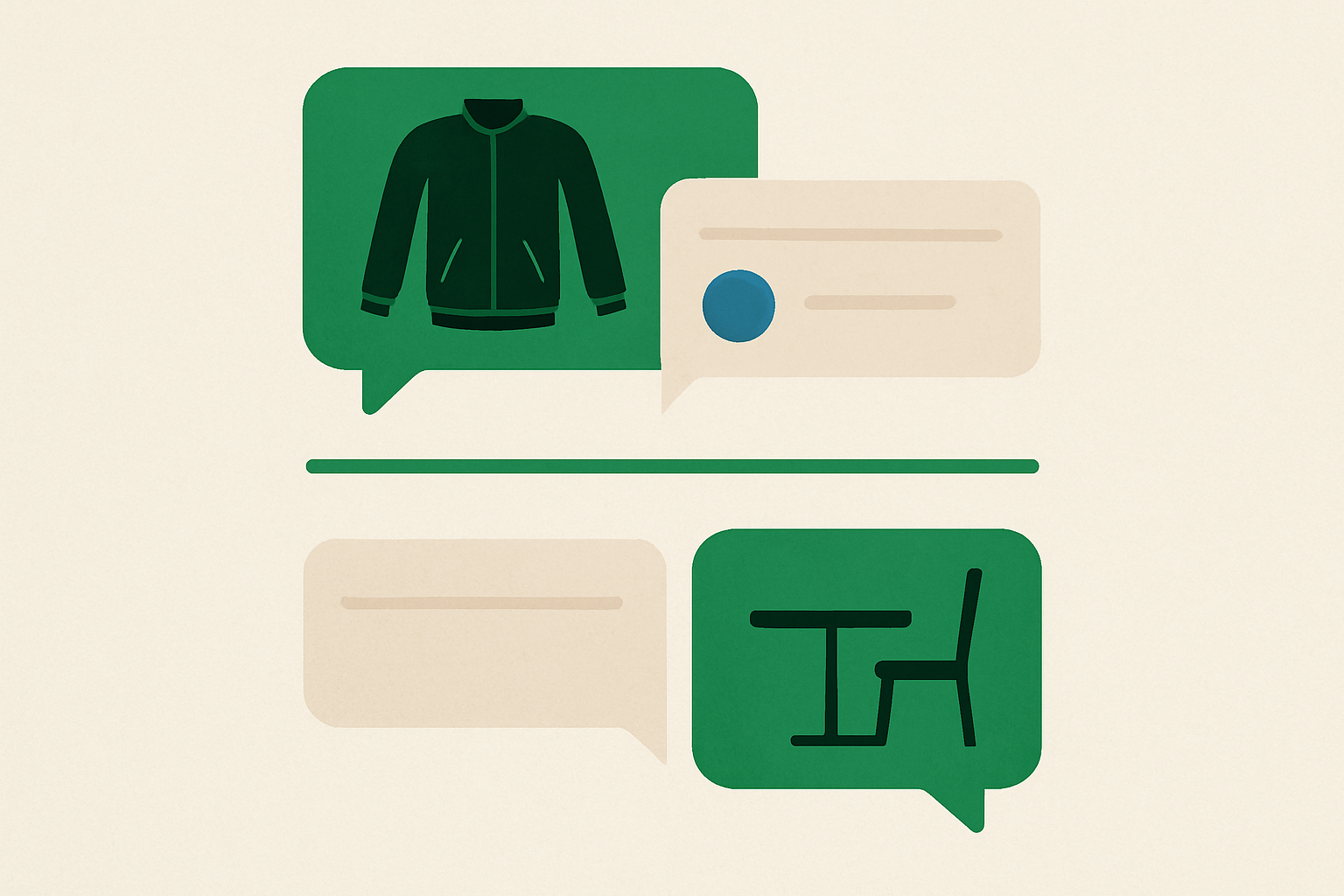
On WhatsApp, whacl receives the sender, the business number, the message, and the conversation context available for that contact. That gives the reply the information the customer has already provided. A message sent after “I need the medium black jacket” can therefore be handled with that exchange in view, so “Do you have it in blue?” is not treated as an unrelated question.
The same applies when a customer asks several questions in sequence. If they first ask about delivery, then give a postcode, then ask “How much?”, the reply can use the delivery information already in the conversation and the business policy loaded into whacl. The answer comes from your business information rather than a generic shipping response.
Recency helps, but the subject still matters
A recent message is often a follow-up, but time alone does not establish that. Someone may return three weeks later with “Do you have any left?” and still mean the product discussed earlier. Someone else may send “I want to book a table” immediately after discussing a refund. Whacl uses the available conversation context and the new message to determine which information belongs in the reply.
Short replies depend especially heavily on context. “That one”, “tomorrow”, and “send me the link” do not contain enough information on their own. Whacl can use the earlier product, variant, delivery detail, or appointment information in the conversation when generating the reply. If the available context does not identify the product or order safely, the assistant should ask for clarification or leave the conversation for a person rather than guess.
How a new subject changes the working context
A message is a new request when it introduces a different product, service, order, or task without a useful connection to the earlier exchange. “Do you repair washing machines?” after a conversation about sofa delivery should be answered using the relevant business information, not by carrying sofa details into the repair question.
A new subject does not remove the earlier messages from the record. If the customer later asks, “What was the delivery date for the sofa?”, that earlier information remains part of the conversation available to the team and assistant.
WhatsApp, Instagram, and Messenger use one inbox — not one careless context
Whacl brings WhatsApp, Instagram, and Messenger into one inbox so your team can see customer conversations in the same workspace. The inbox does not make every message from a similar name one conversation. The incoming channel and the customer record help determine which conversation context is available for the reply.
That distinction helps prevent details from one customer or channel being carried into another. A price discussed with one WhatsApp contact should not appear in an Instagram reply merely because the product name is the same. Whacl generates the reply from the conversation associated with the incoming message, then uses your current catalog and policies as the business source.
What happens when the message is ambiguous
Some messages do not provide enough information to choose a context safely. “Can I change it?” could mean a size, a delivery address, an appointment time, or an order. In that case, whacl can ask a short clarifying question or hand the conversation to a human instead of selecting a meaning that could create an operational problem.
You choose how much control the assistant has. In review mode, whacl prepares the reply with the available conversation context and waits for your team to approve or edit it. In auto-send mode, it sends suitable replies immediately, which is useful for straightforward catalog questions and policy checks. The switch is available in whacl’s setup alongside the AI model setting.
The model can change without changing your inbox
Whacl lets you switch between Claude, GPT, and Gemini from one setting. Changing the model does not change the customer’s conversation or your connected channels. The selected model is used for replies based on the available conversation context, your business knowledge, and the current message.
Review mode also gives you a way to compare model responses on difficult cases. Send examples such as “the second option” or “can I move it to Friday?” and check whether the proposed reply used the right earlier detail. You can switch models without moving your inbox or losing the thread.
Human handoff keeps the decision visible
When the customer needs an exception, a complaint handled with care, or a decision outside your policies, whacl can hand the conversation to a human with the full thread context. Your team sees what the customer asked, what details were provided, and what the assistant already replied. The customer does not have to restart the conversation by explaining the order from the beginning.
That context lets a team member correct the reply, continue manually, and use the same inbox across WhatsApp, Instagram, and Messenger instead of searching separate apps for the missing detail.
You can measure the cost of these decisions
Whacl tracks cost per reply, so the review process includes more than whether an answer sounded acceptable. You can see what the assistant costs across generated replies, compare model choices, and decide where auto-send makes sense and where review is worth the extra human attention. The useful question is whether the available context produces a correct reply at a cost your business accepts.
In practice, whacl uses the customer’s current message together with the available conversation context, your catalog, and your policies. When the message depends on earlier details, those details can support the reply. When the subject changes, the new request needs different business information. When neither interpretation is safe, review or handoff keeps the assistant from guessing.