Can whacl answer customers inside WhatsApp group chats?
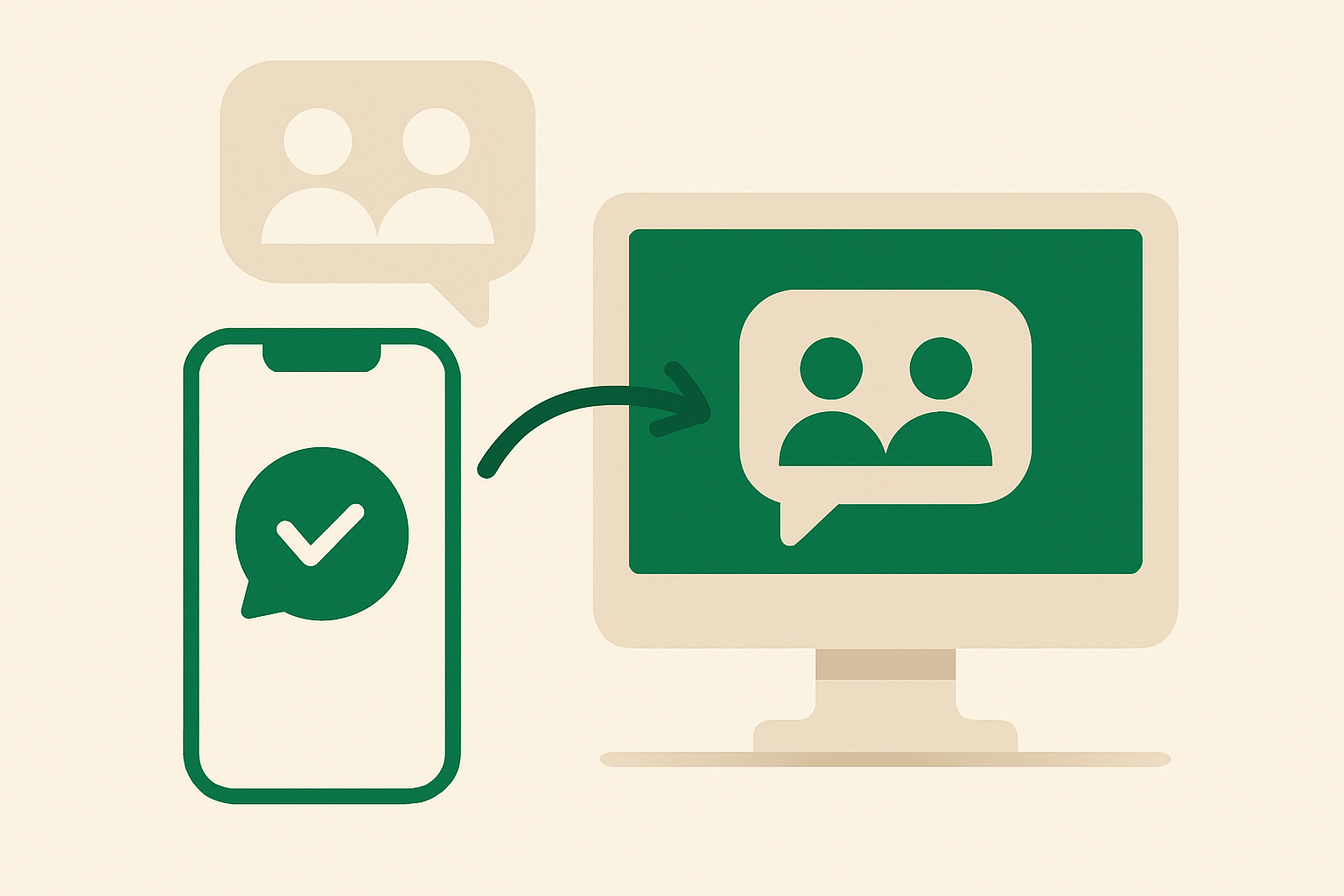
whacl is built for conversations between your business and one customer at a time. It can answer using your catalog and policies, bring WhatsApp, Instagram, and Messenger into one inbox, and hand a conversation to a human with its context intact. It does not join WhatsApp group chats or post AI replies into them.
The short answer: WhatsApp group chats are not supported
The WhatsApp Business connection used by whacl handles one-to-one conversations: a customer messages your connected business number, and whacl replies in that direct thread. Adding the business number to a group does not turn the group into a whacl conversation. The assistant cannot read the group, identify questions from its members, or answer there.
This is a channel limitation, not an account setting. There is no whacl switch that enables WhatsApp group monitoring or replies. Groups used for communities, classes, building residents, reseller networks, or bookings must continue to be managed in WhatsApp by a human moderator.
What whacl does answer
When a customer messages your connected business number directly, whacl can answer using the information you have provided, such as your catalog, prices, delivery areas, opening hours, returns rules, booking process, and other policies.
For example, a customer can ask “Do you deliver to Bristol?”, “Which size should I order?”, or “Can I return this if it does not fit?” whacl can answer those questions in the direct conversation. The same one-to-one model applies to Instagram and Messenger conversations brought into the shared inbox.
whacl does not turn a WhatsApp group, Instagram group chat, or Messenger group conversation into an AI-supported customer thread.
Why whacl uses one-to-one conversations
A direct thread gives whacl a defined customer, question, and business context. That lets the assistant use the messages in that conversation without mixing one person’s order, location, or request with somebody else’s.
A group can contain unrelated questions and different customer circumstances. An answer that is correct for one member may be wrong for another. Keeping support in direct conversations avoids that ambiguity and gives your team a clear thread when a human needs to take over.
What happens when a customer needs a human
If a customer has a complaint, requests an exception, needs help with a specific order, or asks to speak to someone, whacl can hand the one-to-one conversation to your team with its context intact. The team member can see what the customer asked and which answer was given before continuing in the shared inbox.
If the customer first asked for help in a group, a moderator can ask them to message the business privately or share the business number with them. Once the customer starts a direct conversation, whacl can answer according to your catalog and policies, and your team can take over when the request is not covered.
Review mode and auto-send for direct messages
In review mode, whacl prepares a reply for your team to check before it is sent. In auto-send mode, it sends replies directly when the customer’s question falls within the information and rules you have configured.
These controls apply to supported one-to-one conversations on WhatsApp, Instagram, and Messenger. Review mode does not create drafts for WhatsApp groups, and auto-send does not post replies into them.
Changing the model does not add group support
whacl lets you switch between Claude, GPT, and Gemini from one setting. That choice affects how whacl drafts or sends answers in direct conversations; it does not change the connected channels or enable group chats.
You can test the selected model in review mode against direct customer questions, then decide whether auto-send is appropriate for questions covered by your catalog and policies.
How reply costs are tracked
whacl tracks cost per reply for messages handled through the supported business conversations in your connected inbox. Because whacl does not process WhatsApp group chats, group messages do not create whacl replies or whacl reply costs.
How to use WhatsApp groups alongside whacl
Keep the group for announcements, community discussion, or human moderation, and use whacl for private support and product questions. A pinned message can direct members to contact your business privately for prices, availability, delivery questions, returns, or account-specific help.
- Keep WhatsApp group moderation with the human who already manages the group.
- Ask customers to message the connected business number for questions that need a private answer.
- Let whacl handle catalog and policy questions in that direct thread.
- Use review mode while your team checks answers, then enable auto-send for questions that are safe to answer automatically.
- Take over from the shared inbox when a human decision is needed.
Private conversations also keep delivery addresses, order details, refund requests, and account issues out of a group where other members can see them.
What to tell customers
The clearest rule is: whacl answers direct messages, not groups. You can tell customers: “For product questions or help with your order, please message us directly here so our assistant or team can help.”
So, can whacl’s AI assistant answer customers inside an existing WhatsApp group? No. It handles one-to-one conversations. If a customer messages your business privately, whacl can answer from your catalog and policies, use your selected Claude, GPT, or Gemini model, operate in review mode or auto-send, and hand the conversation to a human when needed. WhatsApp, Instagram, and Messenger direct conversations come into the same whacl inbox; WhatsApp group chats stay outside it.