Can a WhatsApp AI assistant use buttons and quick replies?
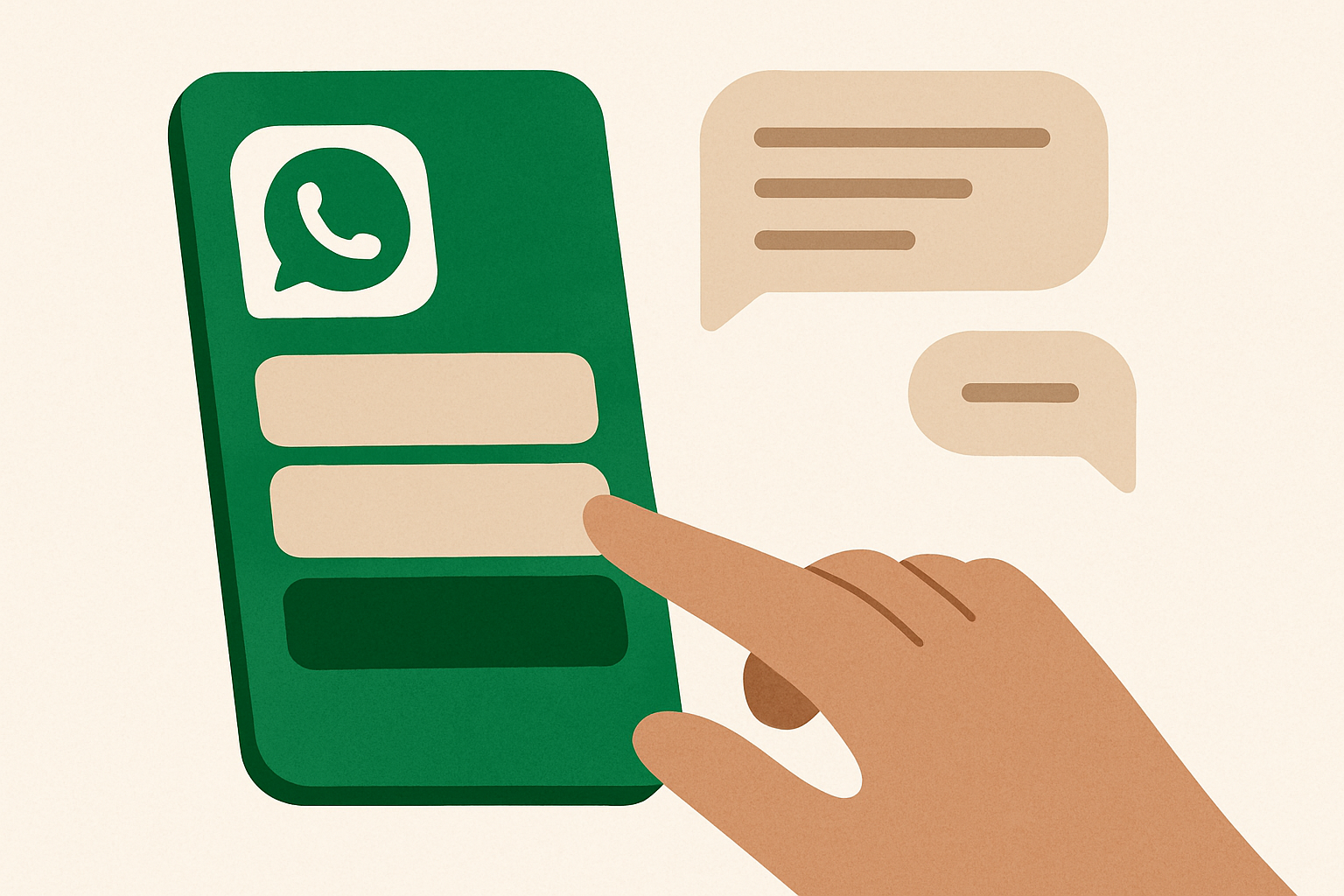
Yes. A WhatsApp AI assistant can send interactive buttons and quick-reply options that customers tap instead of typing. In whacl, those choices can guide common requests such as checking delivery, choosing a product category, or requesting a human.
With whacl, those choices are part of the same assistant that answers from your business's own catalog and policies. A customer can tap “See products,” ask a follow-up question in their own words, choose “Talk to a person,” and then continue in one conversation. Your team sees the full thread in the shared WhatsApp, Instagram, and Messenger inbox.
What buttons and quick replies do on WhatsApp
A button is a structured answer the customer can tap. Instead of sending “I want to know about delivery,” they might tap “Delivery information.” Instead of typing a product type, they can choose “Shoes,” “Bags,” or “Accessories.” The selection gives the assistant a clear subject for the next reply.
Quick replies work best when there are only a few likely answers. For example, an assistant could ask: “What would you like help with?” and show “Product prices,” “Delivery,” and “Speak to a person.” Each option can lead to an answer from whacl, a catalog or policy lookup, or a handoff rule.
For longer menus, a WhatsApp list is more practical than trying to fit every choice into separate buttons. A restaurant could show starters, mains, desserts, and drinks in a list. A service business could show installation, repairs, maintenance, and pricing. The customer taps a row, and whacl continues from that selection.
Why guided choices help customers
Typing a complete request on a mobile phone creates unnecessary work. Customers may not know the exact product name, may make spelling mistakes, or may not know which information your business needs before giving a quote. A button gives them a visible next step without asking them to guess what to write.
This is particularly useful for the first message. A customer who sends “Hi” can immediately see the actions your whacl assistant supports. They do not need to discover whether it can explain delivery times, recommend a product, check a policy, or connect them to your team.
- Customers can select a product category without knowing your internal catalog names.
- Customers can request delivery, returns, pricing, or availability information with one tap.
- Customers can choose “Talk to a person” instead of explaining that they need human help.
- Customers can move through a quote or booking flow without repeating details in every message.
The buttons do not replace whacl's business knowledge. They guide the conversation into a useful path; whacl still uses the catalog and policies you provide to produce the answer.
Buttons do not mean every conversation has to be a menu
A button-only flow is too rigid for many businesses. Customers often tap “Product prices” and then ask, “Do you have it in blue?” or “Can I get this by Friday?” They may send a photo, use a nickname for a product, or ask a question that was not included in the original menu.
Whacl handles those messages as normal conversation. The assistant can use the customer's selected option as context, then answer the follow-up from your catalog or policies. A customer does not have to return to the main menu every time they want to ask something in their own words.
For example, a furniture business could start with three choices: “Shop furniture,” “Delivery information,” and “Speak to a person.” After tapping “Shop furniture,” the customer could choose “Sofas” or simply type “I need a three-seater under $1,000 in grey.” The assistant can use the business's product information to respond, rather than forcing that request into a fixed sequence.
A practical WhatsApp flow with whacl
Consider a clothing business that receives most of its WhatsApp inquiries about products, sizes, delivery, and returns. Its opening message could ask: “What can we help with today?” and show four choices: “Browse products,” “Check delivery,” “Size help,” and “Speak to a person.”
If the customer taps “Browse products,” the assistant can show the categories in the catalog. After the customer chooses “Jackets,” whacl can answer questions about prices, sizes, colors, and availability using the information the business has supplied. If the customer asks for a recommendation, whacl can continue in free text instead of ending the button flow.
If the customer taps “Check delivery,” whacl can explain the delivery policy, service areas, estimated times, and charges that are in the business's knowledge. It should not invent a delivery promise just because a customer selected a button. The value of the flow is that the customer reaches the right policy quickly and receives the answer in the same chat.
If the customer taps “Speak to a person,” the conversation can be handed to the business team. The human sees the preceding selections and messages in the full thread, so the customer does not have to start over with “What are you looking for?”
What whacl can use as the answer behind a button
A button can trigger a fixed response, but it can also start an AI answer based on your business information. That matters when the answer changes by product, location, policy, or customer question.
For instance, a “Returns” button should lead to the returns policy you have supplied to whacl: the eligible period, condition requirements, exclusions, and process. A “Product prices” button should lead into your catalog, where the assistant can answer about the relevant items rather than sending a generic “Please visit our website” message.
The assistant can also ask for the missing detail. If a customer selects “Delivery” but has not said where they are located, it can ask for the area before giving an estimate. If they select a product category and ask about stock, it can explain what it knows and avoid presenting an unsupported answer as confirmed availability.
This is how whacl combines a guided choice with an AI response: the button narrows the subject, and the catalog or policy provides the business-specific answer.
You can review replies before they are sent
Not every business wants an AI response to go directly to a customer on day one. whacl includes review mode, so your team can inspect the assistant's proposed reply before it is sent. This lets you test button wording, check whether the catalog answers are accurate, and see where customers leave the intended flow.
Review mode is useful when a business is still cleaning up product names, prices, delivery rules, or return conditions. Your team can correct the underlying information and observe how the assistant handles both button selections and typed follow-up questions.
When the responses are working as expected, you can use auto-send for instant replies. The same WhatsApp flow can then answer common questions at any hour, while a human remains available for conversations that need judgment or personal assistance.
The assistant can hand off without losing the conversation
A button such as “Speak to a person” should not create another form that makes the customer repeat their problem. In whacl, the handoff includes the full conversation thread: the original message, the buttons selected, the assistant's replies, and the customer's follow-up questions.
That context helps your team see whether the customer was asking about a specific product, delivery area, return, or quote. A human can continue from the point where the assistant stopped instead of asking the customer to provide the same details again.
The same inbox also brings together WhatsApp, Instagram, and Messenger conversations. Your team has one place to manage those conversations rather than switching between separate channel dashboards. The exact interactive options available can vary by channel, but the handoff and business context stay part of the whacl workflow.
Which AI model handles the reply?
Buttons decide how a customer enters a flow; the AI model decides how the assistant handles the surrounding conversation. whacl lets you switch between Claude, GPT, and Gemini from one setting, so you can choose the model that fits your response style and business needs without rebuilding the WhatsApp flow.
You can keep the same “Delivery,” “Browse products,” and “Speak to a person” options while testing how each model handles typed follow-ups, product questions, and policy wording. The button structure remains stable while the model choice changes in one place.
How to measure whether buttons are helping
A button is useful when it reduces confusion or gets the customer to the right answer faster. It is not useful if customers tap through several menus and still need to type the original request.
whacl's cost-per-reply tracking gives you a way to see what the assistant is handling and what that activity costs. You can compare the volume of automated replies with the conversations that reach a human, then adjust the first menu, remove options customers do not use, or add a path for a common question that is currently arriving as free text.
- Look at which opening options customers select most often.
- Check where customers abandon a button flow and start typing instead.
- Review assistant replies for product, price, and policy accuracy.
- Compare automated replies with human handoffs and the cost per reply.
- Change the menu when your catalog, delivery rules, or support priorities change.
The short answer
A WhatsApp AI assistant can use buttons, lists, and quick replies so customers choose an option instead of typing every answer. In whacl, those choices guide customers at the points where typing is unnecessary, while the assistant remains able to understand free-text questions and answer from your own catalog and policies.
Start with the few choices customers ask about most: products, pricing, delivery, returns, and human help. Use review mode while you check the answers, switch to auto-send when the flow is reliable, and hand off exceptions with the complete thread available to your team. Customers can tap an option when that is faster, then continue in their own words when the conversation needs more flexibility.