How to get WhatsApp Business API access

Most businesses start on the free WhatsApp Business app — one phone, one person replying. It works until it doesn't: messages pile up overnight, two team members reply to the same customer, and there's no record of what was promised once the chat scrolls away.
What changes with the Cloud API
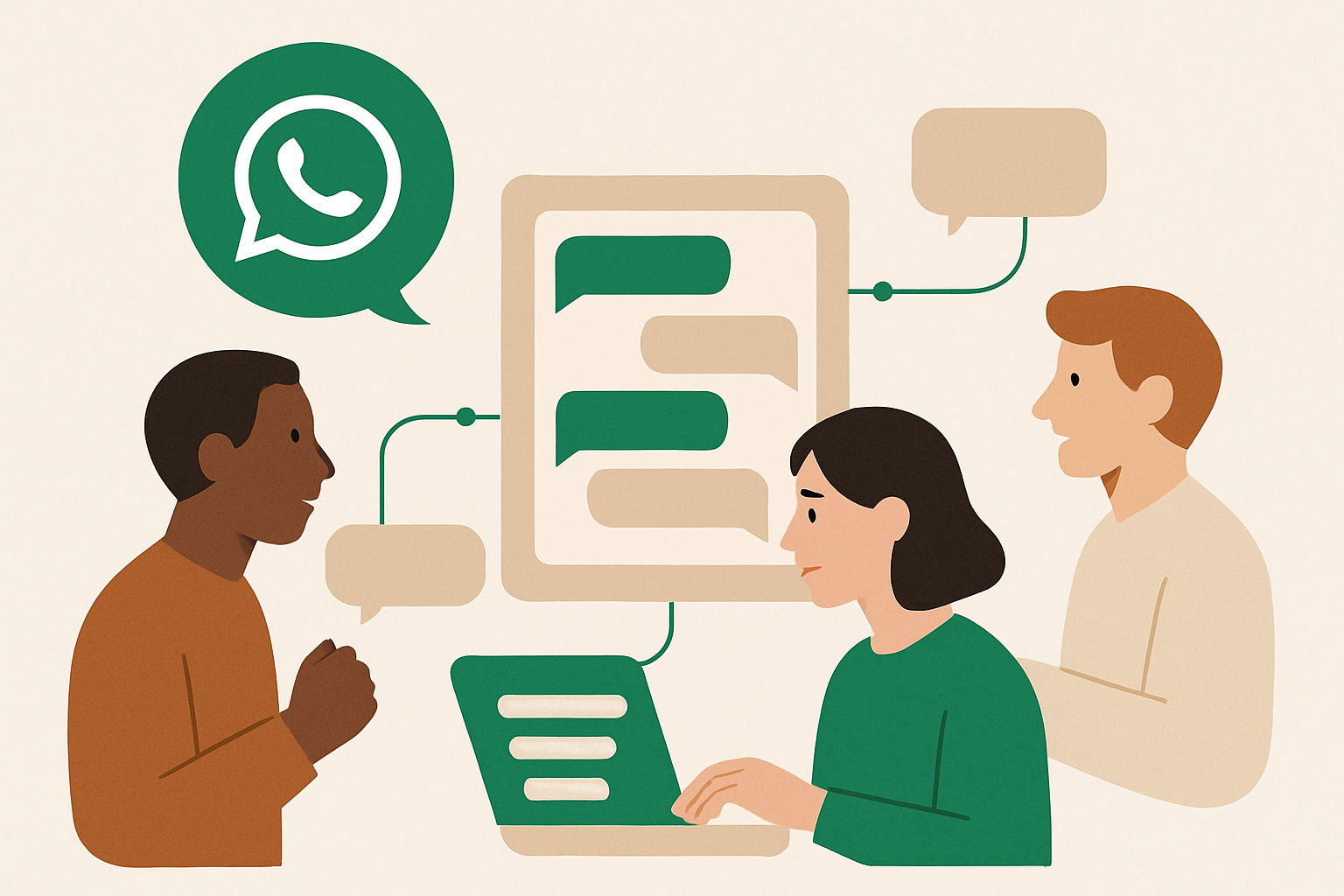
The WhatsApp Cloud API is the official, business-grade version of WhatsApp messaging. Instead of one phone with one app, your number connects to a server that can answer instantly, log every conversation, and let an unlimited number of people (or an AI assistant) work from the same inbox at once.
What Meta requires
- A registered business (a company registration number is enough to start).
- A Meta Business Manager account with the business verified.
- A phone number that isn't already active in the regular WhatsApp Business app.
- A messaging use case that follows Meta's commerce policy — no unsolicited bulk messaging.
None of this requires new hardware or a new number — most businesses migrate their existing WhatsApp number in an afternoon. The verification step is usually the slowest part, typically a few business days once documents are submitted.
Why businesses skip doing it themselves
Meta's dashboards are built for developers, not shop owners. Getting the webhook, the message templates, and the verification right on the first try is where most people get stuck. This is exactly what whacl handles for you — we run the Meta side end to end and hand you a working assistant, not a developer console.